13
Lifeloc FC10
Plus
www.Lifeloc.com | 303-431-9500
Changing the Time
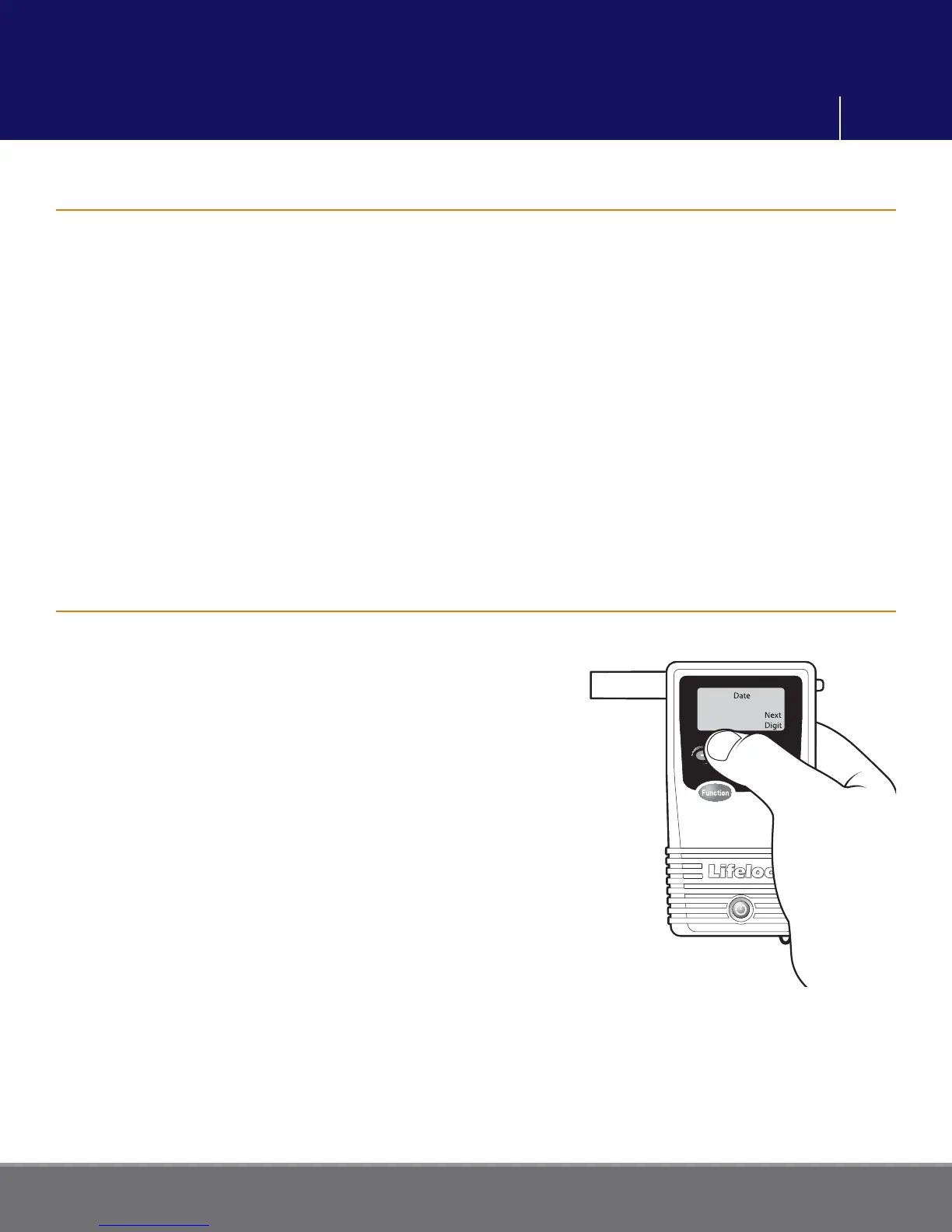
Changing the Date
Press the Function button until the display reads “SETTINGS”.
Press the Execute button.
Display reads “TIME” with the hour digits fl ashing.
Press the + or – button to change the hour.
Press the Execute button to save your changes and move to minutes.
Press the + or – button to change the minutes.
Press the Function button to save your changes.
Momentarily press Power to return to the testing mode.
Press the Function button until the display reads “SETTINGS”.
Press the Execute button. Display reads “TIME”.
Press the Function button until the display reads “DATE”
with the month digits fl ashing.
Press the + or – button to change the month.
Press the Execute button to save the month and move
to the day.
Press the + or – button to change the day.
Press the Execute button to save the day and move to
the year.
Press the + or – button to change the year.
Press the Function button to save your changes.
Momentarily press Power to return to the testing mode.
02/24/2008
User Settings



 To Next Page