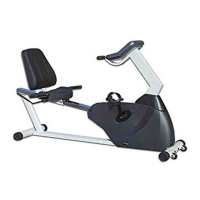
STEP 2:
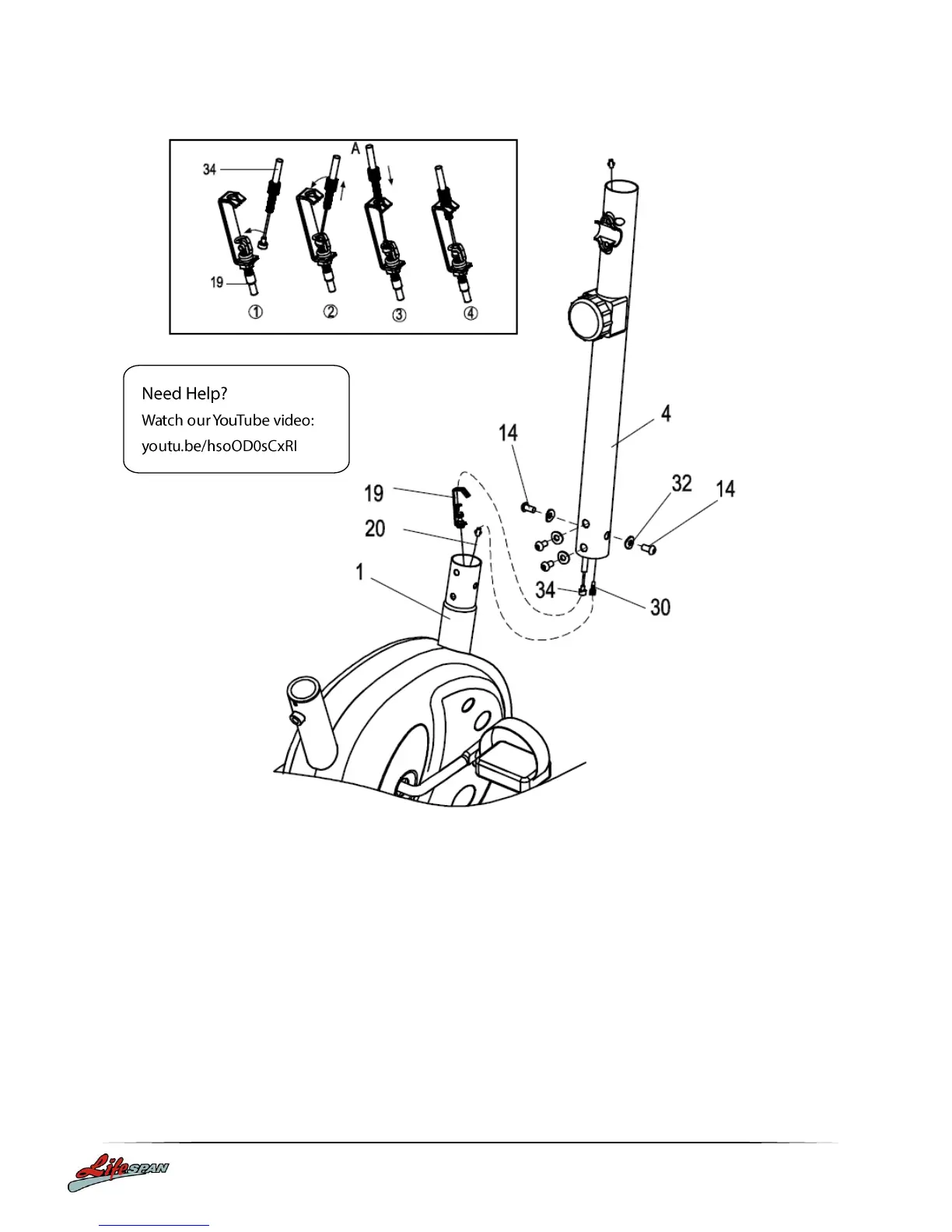
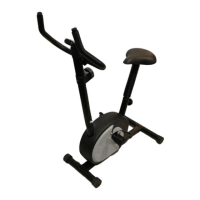
1. Install the Handlebar Post.
Connect the Sensor wire (20) to the Upper Sensor Wire (30).
Connect the Tension Control Cable (19) to the Tension Controller (34) wire
Insert the Handlebar Post (4) over the Main section (1), secure in place with the Bolts
(14) and Arc Washers (32) which are pre-attached to the Main Section.
2. Ensure that ALL bolts and washers are in place and partially inserted before completely
tightening any ONE bolt.


 To Next Page