TruScan 532 Single - Wavelength – Operators Manual Rev. No 02 Page 48 of 114
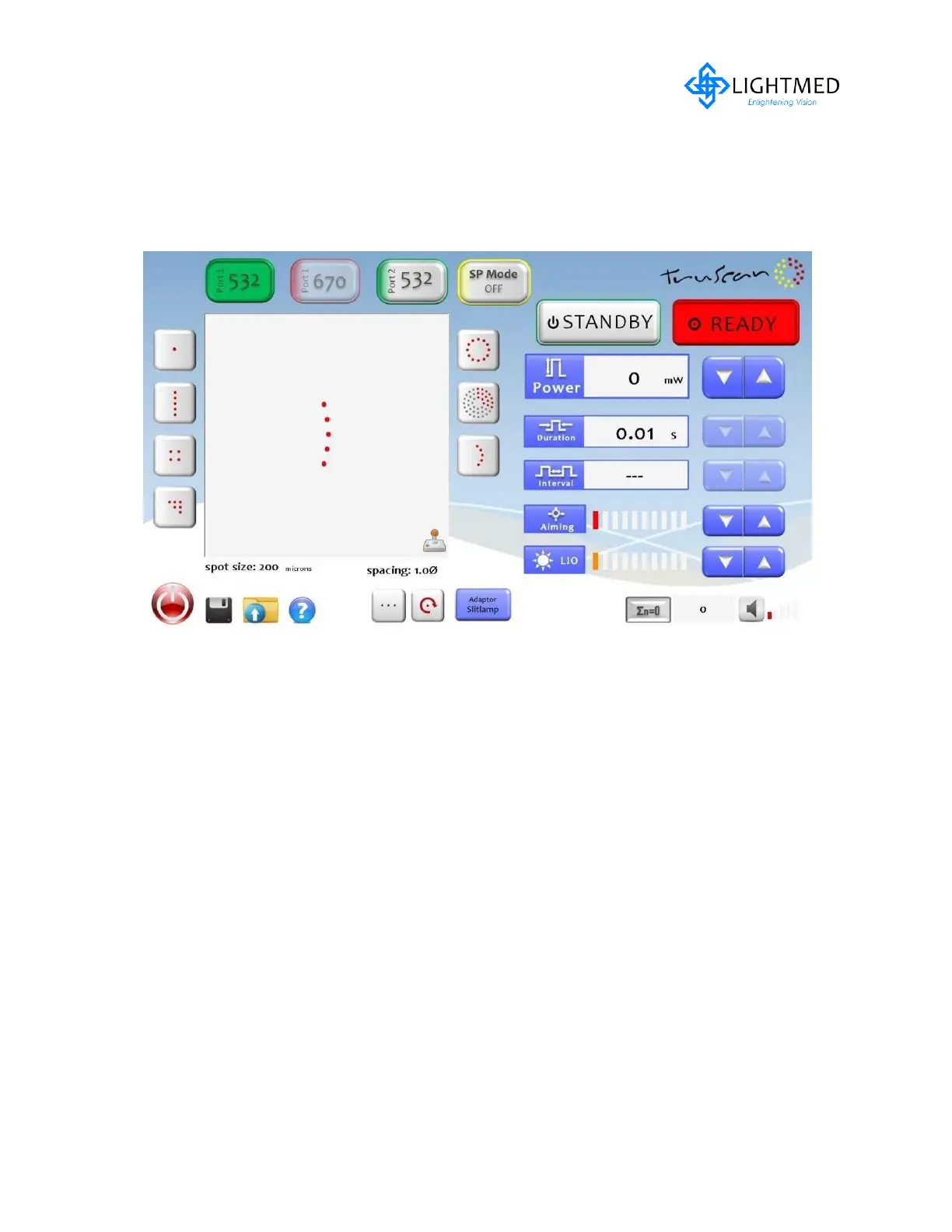
7. Curve Pattern
It can be selected or activated by touching the screen and the final or pre selection
will display in the patter display area. For this particular configuration, there is no sub
selection type available.
Available parameter setting can be selected as follows:
- Spot size: 200-500μm
- Spacing: 1.0-2.0 Ф
- Rotation: 0 ,90,180,270 degree


 To Next Page
 Loading...

