The optional LT-71 can also amplify external audio.
Simply plug the 3.5mm patch cable from the audio
source into the input labeled “AUX IN” and adjust
the volume of the source to the desired sound level.
Helpful Hint
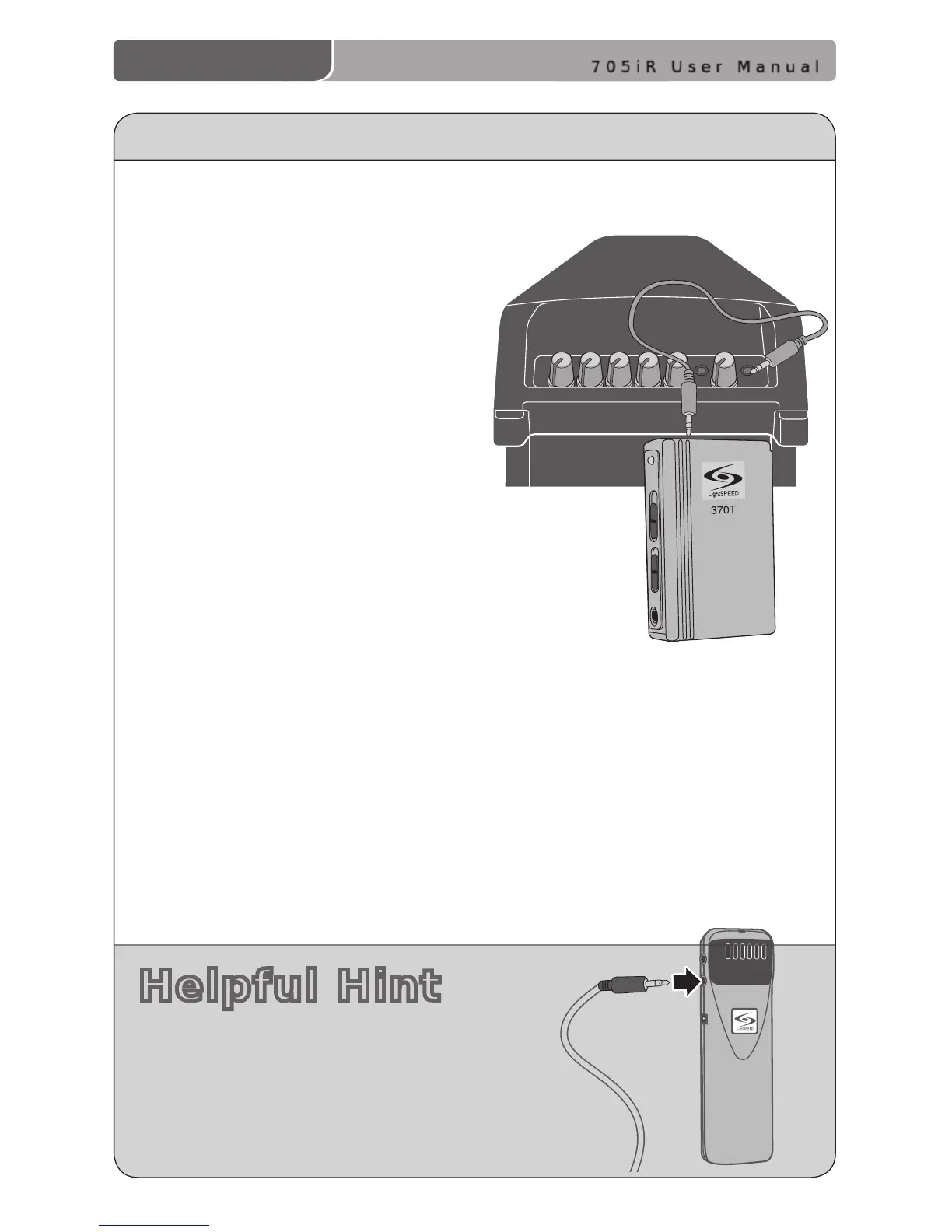
OUTPUT TO PERSONAL FM TRANSMITTER
1. Using a cable with a 3.5 mm connector at one end, connect
the AUX OUT of the 705iR to the input jack of the
FM transmitter. Different manufacturers use
different size audio input jacks on the
transmitter. The Lightspeed LES-370
requires the CA-MMC 3535 cable.
2. Connect a patch cable from the AUX
OUT jack on the top of the 705iR to
the FM transmitter’s microphone or
AUX input jack.
3. Adjust the volume control on the
Personal FM receiver to maximum
output. NOTE! This is to set the
maximum allowable signal from
the 705iR.
4. With the 705iR and FM transmitter
turned on, speak into the microphone
and slowly adjust the AUX OUT volume
control until the appropriate audio level is
achieved through the personal FM system.



 To Next Page