705iR User Manual
705iR User Manual | 4
705iR CONTROLS AND CONNECTIONS (cont’d)
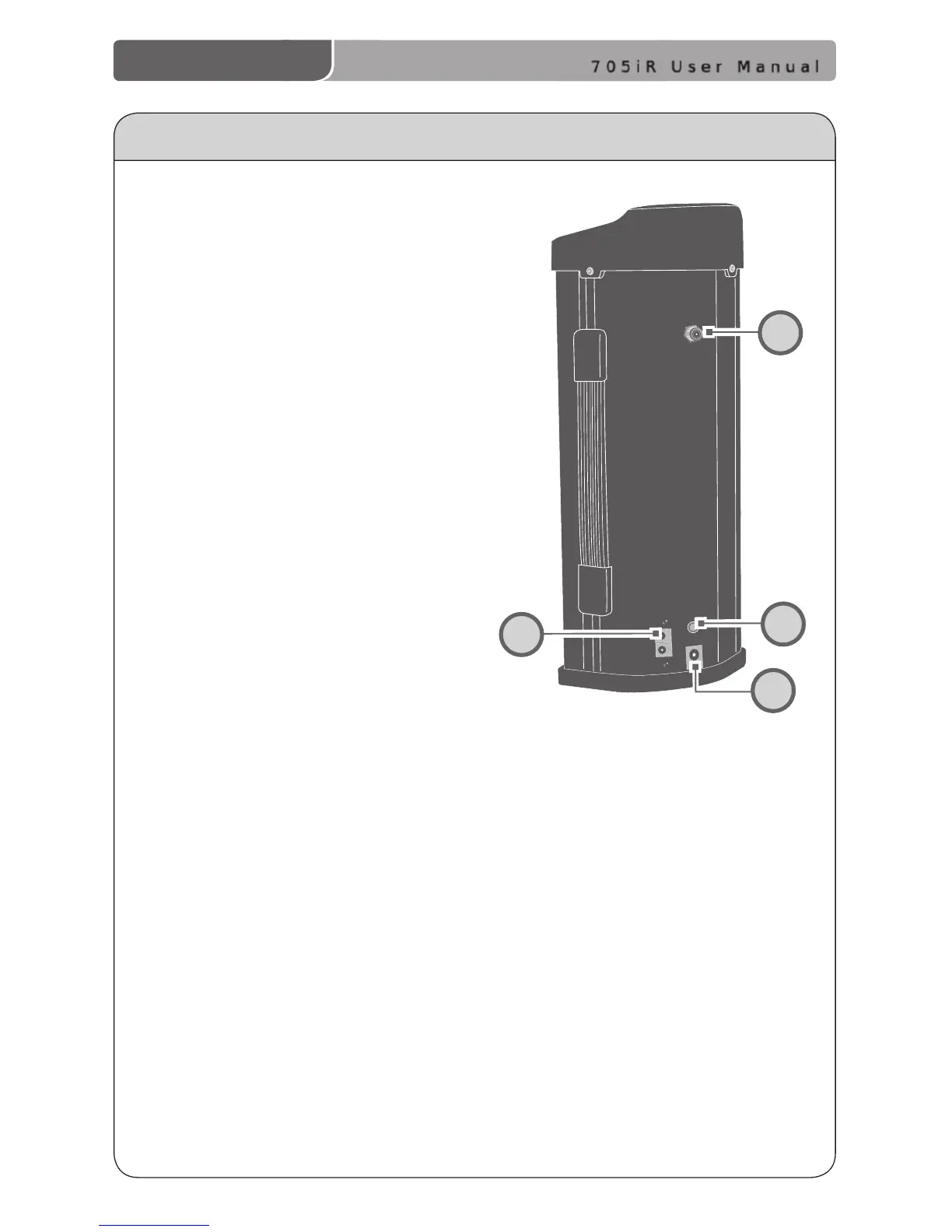
Rear Panel
11. TRANSMITTER CHARGING
JACKS: This connector is used to
connect the charging cable to the
optional LightMic transmitter or
the optional HM-70 handheld
microphone for daily battery
recharging.
12. EXTERNAL IR SENSOR JACK:
This jack is provided for
connection of an additional
sensor (for larger or
odd-shaped rooms).
13. CHARGING LED: This LED glows
red when the 705iR battery is
charging and glows green when
fully charged.
14. DC POWER INPUT JACK:
This input connects to the 16 V
AC/DC adaptor that comes with
the 705iR. The adaptor is used to
either charge the internal battery
pack or power the 705iR with
AC power.



 To Next Page