EasyManua.ls Logo

Lightware VINX-120AP-HDMI-ENC-DNT - User Manual

Lightware VINX-120AP-HDMI-ENC-DNT
103 pages
Print Icon
To Next Page IconTo Next Page
Loading...
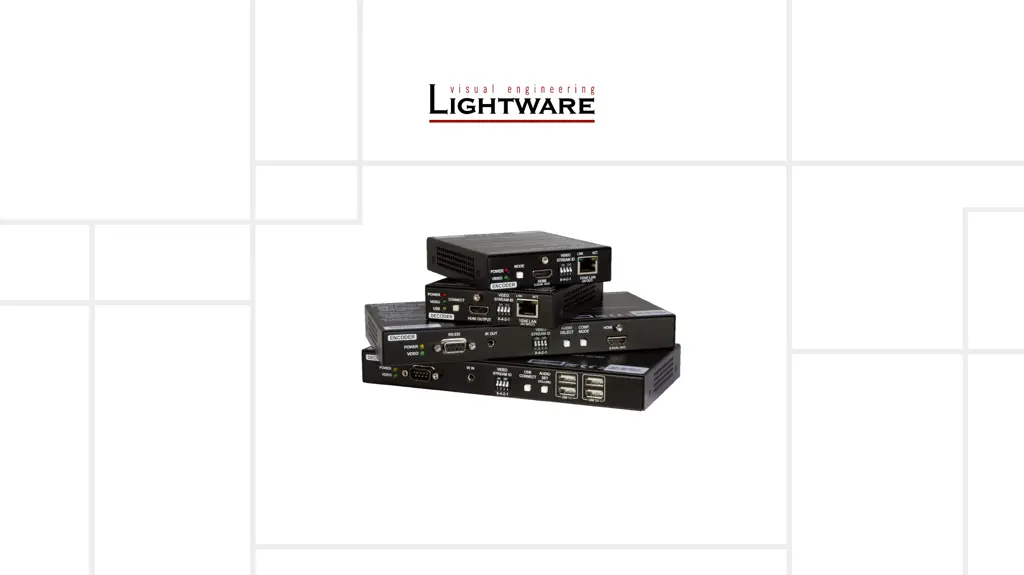
VINX-120-HDMI-ENC
VINX-110-HDMI-DEC
VINX-210AP-HDMI-ENC
VINX-120AP-HDMI-ENC
VINX-110AP-HDMI-DEC
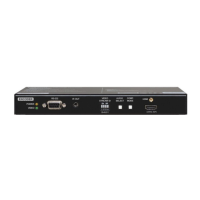
VINX-120AP-HDMI-ENC-DNT
User’s Manual
AV Over IP Multimedia Extender
v2.3 12-03-2021

Table of Contents

Questions and Answers

  • J
    jenna36Aug 12, 2025
    What to do if the video stream cannot be changed by the keyboard shortcut on Lightware VINX-120AP-HDMI-ENC-DNT Extender?
    • W
      William CampbellAug 12, 2025
      If you're unable to change the video stream using keyboard shortcuts, here are some possible solutions: * If your keyboard is connected to a USB 2.0 port, connect it to the USB 1.1 port instead. * Ensure that the shortcut is assigned correctly in the settings. If not, set the shortcut(s) again. * Verify that the keyboard is connected to the correct Decoder. Connect it to the desired Decoder. * Check if another Decoder is selected for USB transmission. Look at the LEDs or the USB settings in the built-in web page.
  • E
    Erin HansonAug 19, 2025
    What to do if there is no video on the screen using Lightware VINX-120AP-HDMI-ENC-DNT?
    • A
      Andrew SmithAug 19, 2025
      If there's no video on the screen, here are a few things to check: * First, ensure that there is a video signal coming in and that all cable connections are secure. * Next, verify that the Video Stream IDs are correctly assigned in the extender settings. * If HDCP is disabled (EDID information cannot be read), enable HDCP on the input of the Encoder. In some cases, the source device might not be able to read the EDID from the Encoder. * Also, confirm you are not sending HDCP-encrypted content to a non-HDCP capable device, if so, replace it with a HDCP-capable one.
  • K
    kathleen64Aug 27, 2025
    Why I cannot connect to a Lightware Extender?
    • H
      harriskevinAug 27, 2025
      If you're having trouble connecting to a Lightware Extender, consider these potential causes: * The extenders might not have received an IP address. If this is the case, reboot the VINX devices, as the Ethernet switch might need more time to be ready than the extenders. * The extender might not be properly connected. Check the LEDs and cable connections. * The extenders and your PC may not be on the same subnet. Ensure that all devices are located in the same subnet.
  • R
    Regina AndersonSep 3, 2025
    How to connect the Encoder and the computer over USB with Lightware VINX-120AP-HDMI-ENC-DNT Extender?
    • D
      Donna HoweSep 4, 2025
      Connect the supplied USB cable between the computer and the Encoder.

Lightware VINX-120AP-HDMI-ENC-DNT Specifications

General IconGeneral
CategoryExtender
ModelVINX-120AP-HDMI-ENC-DNT
Input InterfaceHDMI
Power over Ethernet (PoE)Yes
Maximum Resolution4K@60Hz
Video ResolutionsUp to 4K
HDCP SupportHDCP 1.4
Transmission DistanceUp to 100m
Power12V DC
ControlRS-232
Network ProtocolTCP/IP
Operating Temperature0°C to +40°C
Storage Temperature-20°C to +70°C
Relative Humidity10% to 90% (non-condensing)

Related product manuals