EasyManua.ls Logo

Lightware DVI-OPT-TX220-Pro - User Manual

Lightware DVI-OPT-TX220-Pro
39 pages
Print Icon
To Next Page IconTo Next Page
Loading...
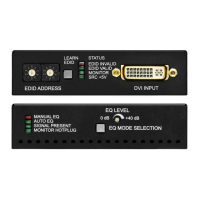
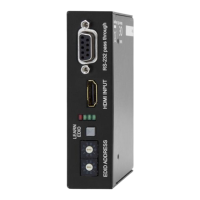
DVI-OPT-TX220-Pro
DVI-OPT-TX220-ST-Pro
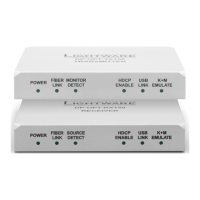
DVI-OPT-RX220-Pro
DVI-OPT-RX220-ST-Pro
User’s Manual
Fiber Multimedia Extender

Table of Contents

Questions and Answers

  • F
    Francisco BrayAug 22, 2025
    What to do if changing EDID on Lightware DVI-OPT-TX220-Pro Extender input port doesn't change resolution?
    • G
      Gabriel WattsAug 23, 2025
      If changing the EDID on a Lightware device's input port doesn't result in a resolution change, you need to restart your source device. This forces the source to read the EDID again, applying the new resolution settings.
  • M
    Michael MartinNov 7, 2025
    Why is there no picture on my Lightware DVI-OPT-TX220-Pro Extender video output?
    • L
      Lindsay ParkerNov 7, 2025
      The absence of a picture on the video output of your Lightware Extender can stem from several causes: * **Power issues:** Ensure all devices, including the extenders themselves, are properly powered. Try unplugging and reconnecting them. * **Cable connection problems:** Given the high data rates, cables must fit snugly. Check all connectors to ensure they are properly seated. Verify that the correct port is selected on both your source and display. * **Cable quality:** High data rates necessitate high-quality cables. Consider using OM3 or OM4 fiber cables. * **Contaminated fiber optic cable endface:** Use specialized fiber optic cable cleaning equipment to carefully clean the cable endface. * **Display incompatibility:** Your display might not support the sent video format. Try...

Lightware DVI-OPT-TX220-Pro Specifications

General IconGeneral
BrandLightware
ModelDVI-OPT-TX220-Pro
CategoryExtender
LanguageEnglish

Related product manuals