EasyManua.ls Logo

Lincoln Quicklub - Non-Monitored Pump Settings and Indicators; Setting On and Off Times; Non-Monitored Pump LED Indicators

Lincoln Quicklub
24 pages
Print Icon
To Next Page IconTo Next Page
To Previous Page IconTo Previous Page
Loading...
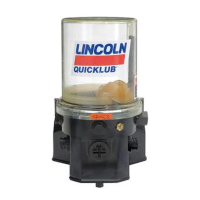
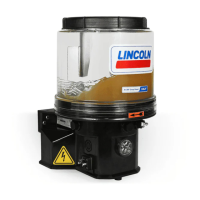
Non-Monitored Pump
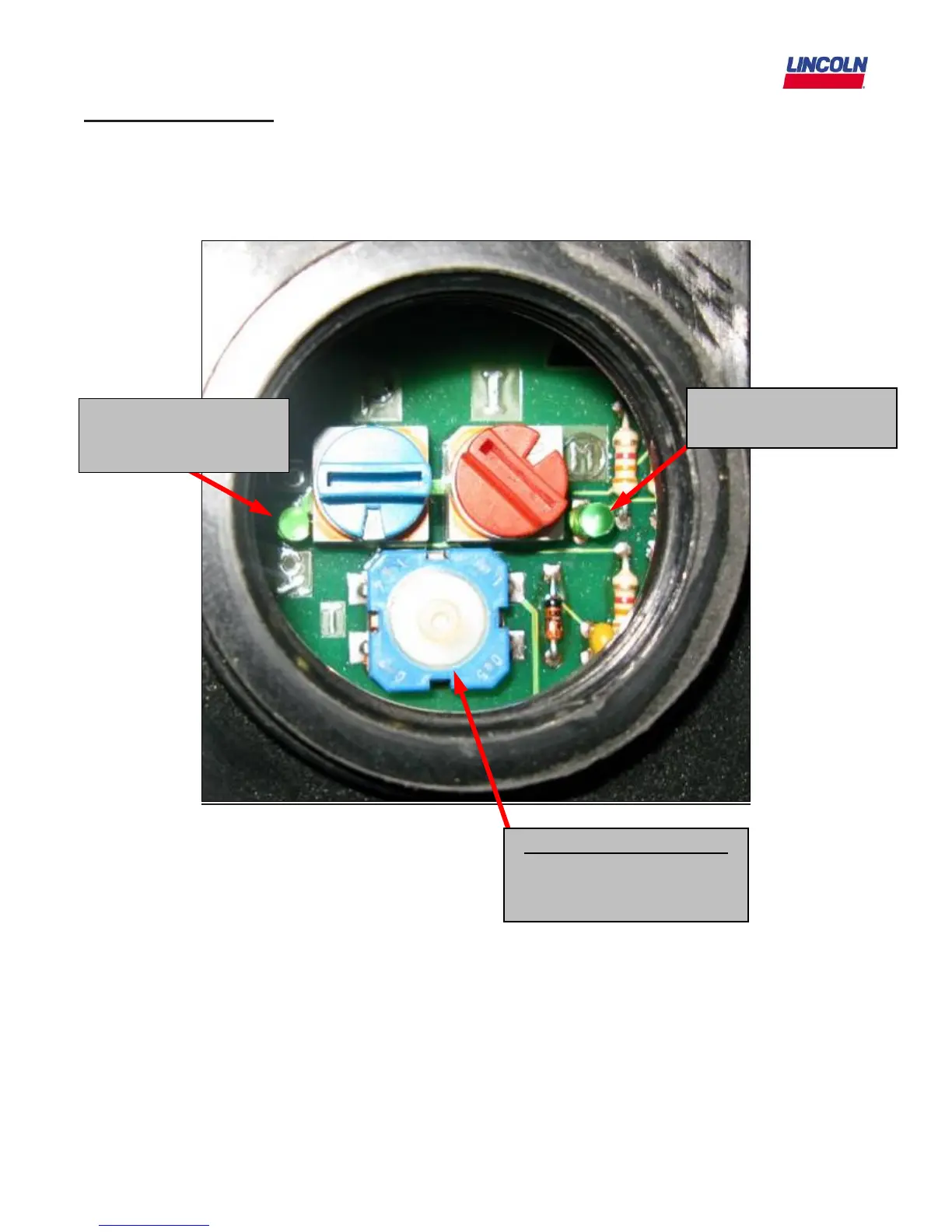
The non-monitored pumps have two rotary dial switches on the PC board to set the On and Off time.
On Time” is how long the pump will run and the “Off Time” is the interval between run times. The
Blue dial on the left sets the Off or Pause time. The Red dial on the right sets the On time. Notice the
LED’s on both side of the switches. Refer to the pump service page for the codes to set each.
LED lights up when
pump is in operation
LED lights up when
power is applied to the
PC board.
Manual Lube Pushbutton
Depress for 2 seconds to
initiate a manual lube
event
2/13/09
16

Related product manuals