Selecting a Play Source:
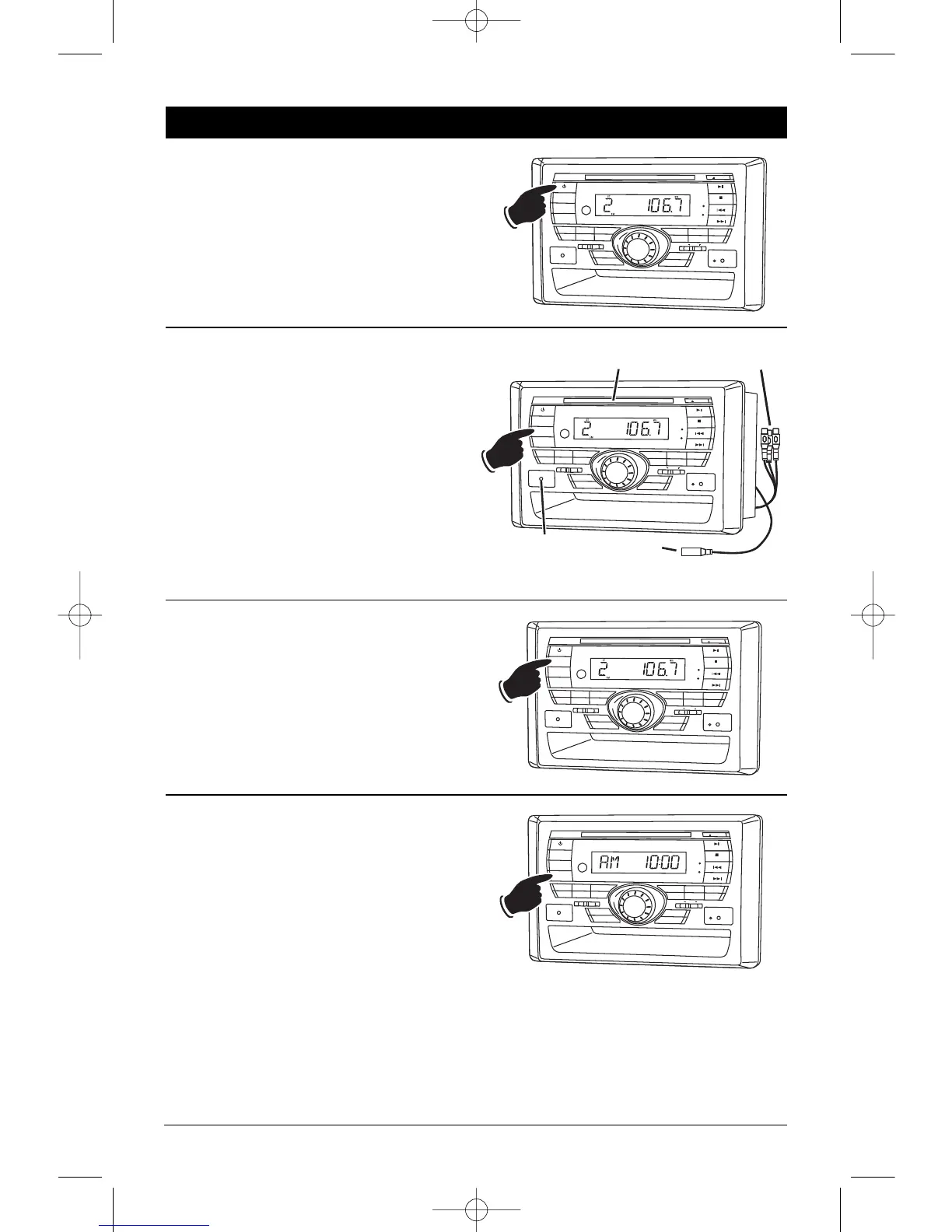
To select a play source, press the MODE button
until the desired source appears in the display:
AV IN F (Audio/Video Input Front),
AV IN R (Audio/Video Input Rear),
RADIO (AM or FM Band)
DISC (Music or Movie), and
IPOD (IPOD Input).
Dimming the Display:
Press the DIM button to select the desired level
of brightness for the display.
Display Selection:
Press the DISP button to display the clock. Press
again to return to previous display.
Press and hold to perform clock setting func-
tions (See “Setting the Clock” for more details).


 To Next Page
 Loading...