11
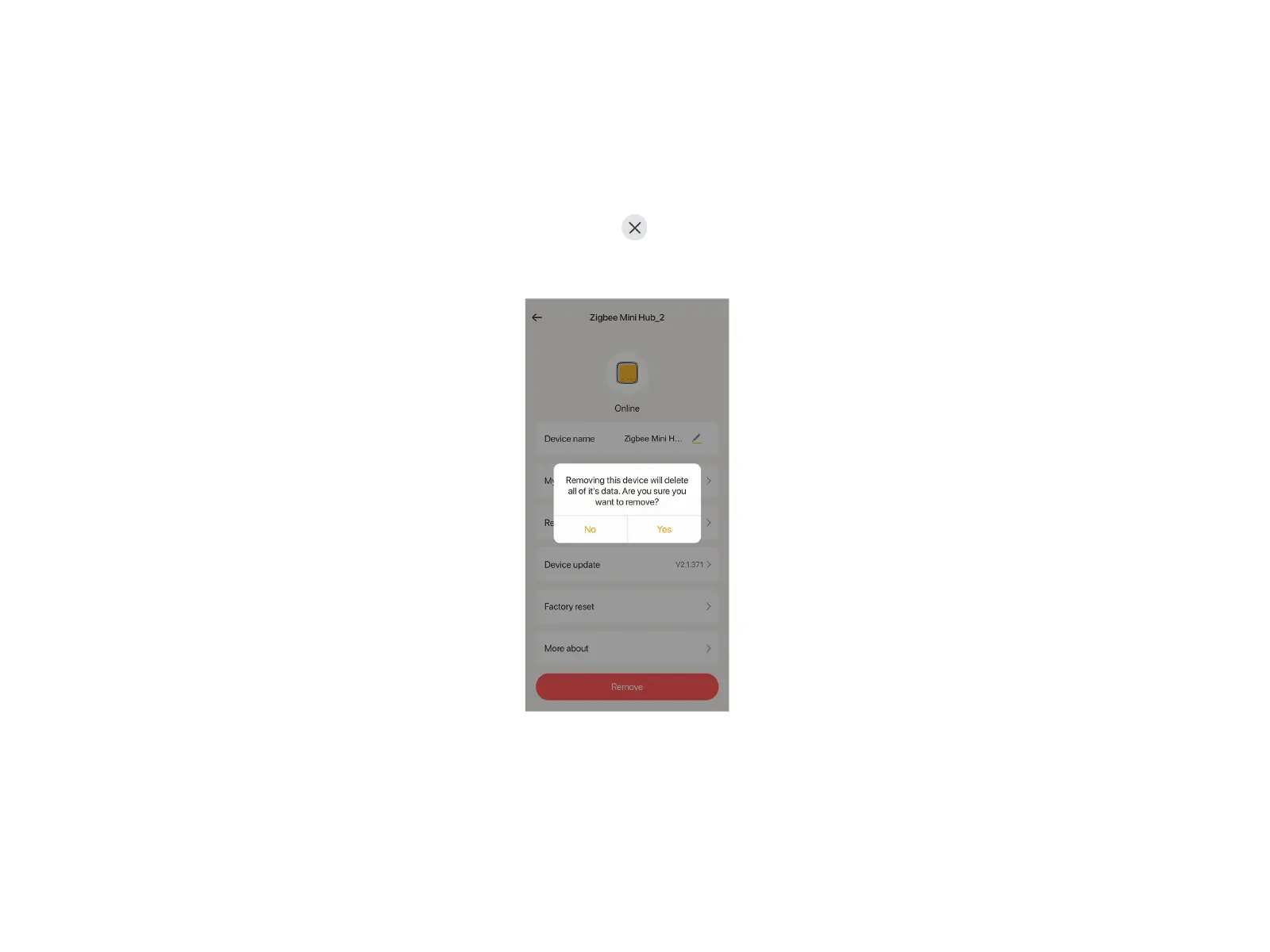
Two ways to remove the Mini Hub:
Method 1
Long press the Mini Hub you want to remove at Home page, tap at the top left, tap "Yes" to delete the Mini Hub. Or tap "Remove"
in the setting page of the Mini Hub. In this way, the Mini Hub will be reset. If there were devices(e.g. bulbs) connected to the Mini Hub,
they will appear together on the APP once the Mini Hub is re-added.
Method 2
Long press the reset button for 10 seconds, then wait for the indicator on the right end of the Mini Hub to flash once per second in
green, showing it restores to factory default. If there were devices(e.g. bulbs) connected to the Mini Hub, they will not appear with the
hub on the APP even the Mini Hub is re-added.
Remove the Mini Hub


 To Next Page