11
Chapter 4: Setting up and Connecting the Wireless-G Notebook Adapter
Setting up the Adapter
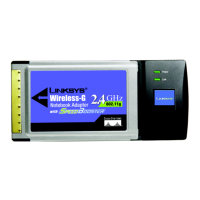
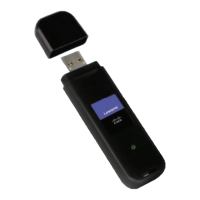
Wireless-G Notebook Adapter or Wirless-G Notebook Adapter with SpeedBooster
3. After the software has been successfully installed, the Congratulations screen will appear. Click Connect to
Network to connect to your network. For more information about the Wireless Network Monitor, refer to
Chapter 5: Using the Wireless Network Monitor.
Congratulations! The Automatic Setup’s installation of the Wireless-G Notebook Adapter is complete.
To check the link information, search for available wireless networks, or make additional configuration
changes, proceed to Chapter 5: Using the Wireless Network Monitor.
Manual Setup
If you are not taking advantage of SecureEasySetup and your network is not listed with the available networks,
you can use Manual Setup.
1. Click Manual Setup on the Available Wireless Network screen to set up the adapter manually.
Figure 4-14: Automatic Setup’s Congratulations
Figure 4-15: Available Wireless Network



 To Next Page
 Loading...