32
Chapter 5: Using the Wireless Network Monitor
Creating a New Profile
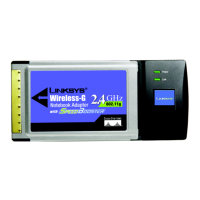
Wireless-G Notebook Adapter or Wirless-G Notebook Adapter with SpeedBooster
If your network has the wireless security WPA2-Personal (the stronger version of Wi-Fi Protected Access)
enabled, this screen will appear.
Encryption - AES is automatically selected from the Encryption drop-down menu.
Passphrase - Enter a Passphrase, also called a pre-shared key, of 8-63 characters in the Passphrase field.
The longer and more complex your Passphrase is, the more secure your network will be.
Then click Connect.
3. After the software has been successfully installed, the Congratulations screen will appear. Click Connect to
Network to connect to your network.
Congratulations! The setup is complete.
Figure 5-21: WPA2-Personal Needed for Connection
Figure 5-22: Congratulations



 To Next Page