20
Chapter 4: Setting up and Connecting the Wireless-G Notebook Adapter
Setting up the Adapter
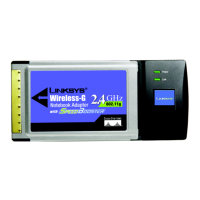
Wireless-G Notebook Adapter or Wirless-G Notebook Adapter with SpeedBooster
LEAP
If you selected LEAP, then enter the Username and Password that will authenticate you on your wireless
network.
Username - Enter the username used for authentication.
Password - Enter the password used for authentication.
Confirm - Enter the password again.
Click the Next button to continue, or click the Back button to return to the previous screen.
Figure 4-32: Wireless Security - LEAP
Figure 4-33: LEAP Settings



 To Next Page