15
Chapter 4: Setting up and Connecting the Wireless-G Notebook Adapter
Setting up the Adapter
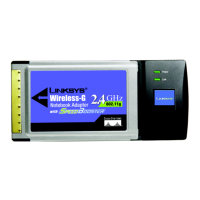
Wireless-G Notebook Adapter or Wirless-G Notebook Adapter with SpeedBooster
WPA-Personal
WPA-Personal offers two encryption methods, TKIP and AES, with dynamic encryption keys. Select TKIP or
AES for encryption. Then enter a Passphrase that is 8-63 characters in length.
Encryption - Select the type of algorithm you want to use, TKIP or AES, from the Encryption drop-down
menu.
Passphrase - Enter a Passphrase, also called a pre-shared key, of 8-63 characters in the Passphrase field.
The longer and more complex your Passphrase is, the more secure your network will be.
Click the Next button to continue or the Back button to return to the previous screen.
Figure 4-22: Wireless Security - WPA-Personal
Figure 4-23: WPA-Personal Settings



 To Next Page
 Loading...