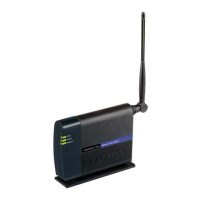
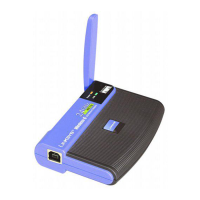
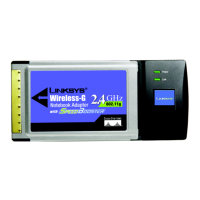
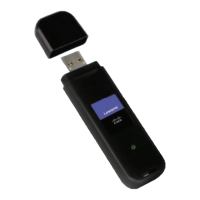
Wireless-G Notebook-Adapter oder Wireless-G Notebok-Adapter mit SpeedBooster
Abbildung 5-30: Einstellungen für WPA-Personal 37
Abbildung 5-31: „Wireless Security“ (Wireless-Sicherheit) – WPA2-Personal für neues Profil 38
Abbildung 5-32: Einstellungen für WPA2-Personal 38
Abbildung 5-33: „Wireless Security“ (Wireless-Sicherheit) – WPA-Enterprise unter Verwendung von EAP-TLS für neues Profil 39
Abbildung 5-34: „Wireless Security“ (Wireless-Sicherheit) – WPA-Enterprise unter Verwendung von PEAP für neues Profil 39
Abbildung 5-35: „Wireless Security“ (Wireless-Sicherheit) – WPA2-Enterprise unter Verwendung von EAP-TLS für neues Profil 40
Abbildung 5-36: „Wireless Security“ (Wireless-Sicherheit) – WPA2-Enterprise unter Verwendung von PEAP für neues Profil 40
Abbildung 5-37: „Wireless Security“ (Wireless-Sicherheit) – RADIUS unter Verwendung von EAP-TLS für neues Profil 41
Abbildung 5-38: „Wireless Security“ (Wireless-Sicherheit) – RADIUS unter Verwendung von PEAP für neues Profil 41
Abbildung 5-39: „Wireless Security“ (Wireless-Sicherheit) – LEAP für neues Profil 42
Abbildung 5-40: Einstellungen für „LEAP“ 42
Abbildung 5-41: Neue Einstellungen für neues Profil bestätigen 43
Abbildung 5-42: Glückwunschfenster zum neu erstellten Profil 43



 To Next Page