LISTEN TECHNOLOGIES CORPORATION +1.801.233.8992 1.800.330.0891 Fax: +1.801.233.8995
Internet: www.ListenTech.com All specifications subject to change without notice.
25
3
4
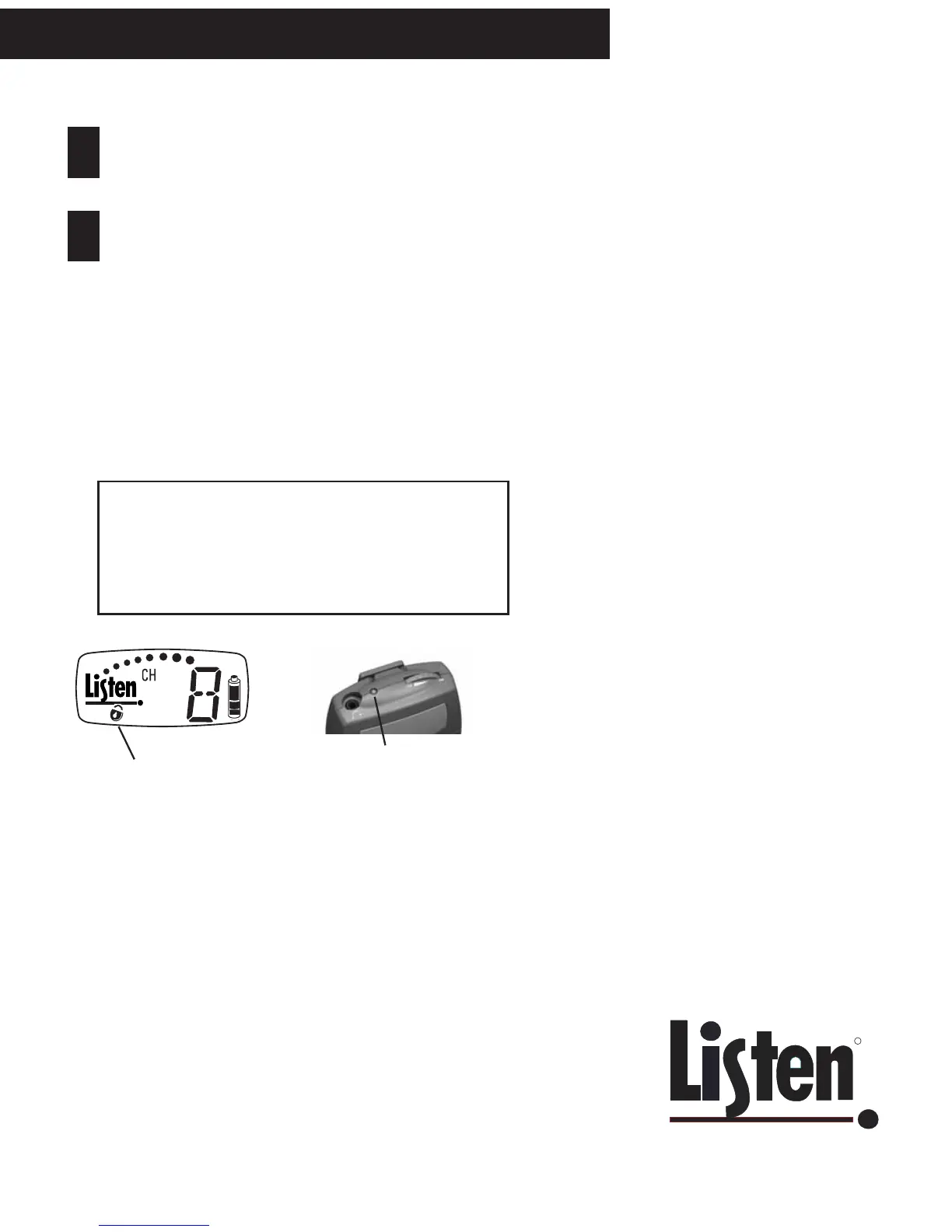
Padlock appears when
locked (LR-400 and LR-500)
If locked, LED flashes on all
portable receivers when SEEK
button is pressed.
Operating Listen Receivers
Adjust the volume control to a comfortable
level.
To Lock into Only One Channel:
Press and hold the SEEK button for 5+ seconds to
lock a receiver onto the currently tuned channel.
Press and hold the button again to unlock. When
locked the LED on top of the unit will flash when you
press the SEEK button.
Is the Channel Locked on My Receiver?
On the LR-400 and LR-500, when the channel is locked, the
padlock icon will appear on the display. If the unit is locked,
the red LED on the top of the unit will flash when you press
the SEEK button.



 To Next Page