LISTEN TECHNOLOGIES CORPORATION +1.801.233.8992 1.800.330.0891 Fax: +1.801.233.8995
Internet: www.ListenTech.com All specifications subject to change without notice.
10
Operating the LT-800
Selecting a Channel For Transmitting
Selecting a clear channel is important for interference-free
broadcasting.
Wide Band Recommendation:
Listen recommends that you always use a wide band channel unless
you need to be compatible with existing narrow band receivers from
other manufacturers. Wide band channels have lower noise than
their narrow band counterparts.
Compatibility with other manufacturers:
If you are using other manufacturers’ receivers with the LT-800, find
out their frequency then refer to Listen’s Frequency Compatibility
Tables (pages 39-42) to find the LT-800 channel number or letter that
corresponds with the receiver’s frequency. As much as possible,
Listen has duplicated the wide band channel letters to cover
frequencies of other major brands. However, we recommend
verifying corresponding channel numbers and letters on the tables on
pages 39-42.
If you are using other manufacturers’ receivers and
the sound is distorted, it is probably because the receiver is
not designed to handle the + 25kHz deviation of the Listen
transmitter. This can be corrected by turning the Mix Level knob
down. Another possibility is that you have enabled the SQ function
of the LT-800, and this feature is not available in other companies’
products. You will need to disable SQ in this event.
Several transmitters operating in the same environ-
ment:
For this, you’ll need to choose your transmitting frequencies carefully.
The following guidelines should be used to choose channels-
• If possible, use all wide band channels. These channels offer
lower noise.
• Select channels that have the highest frequency separation as
possible (see Frequency Compatibility Tables, pages 39-42), to
avoid adjacent channels and interference. Channels should be
at least 300kHz apart.
• Through a process of trial and error, select a combination of
channels that offer the lowest interference and highest
reliability.
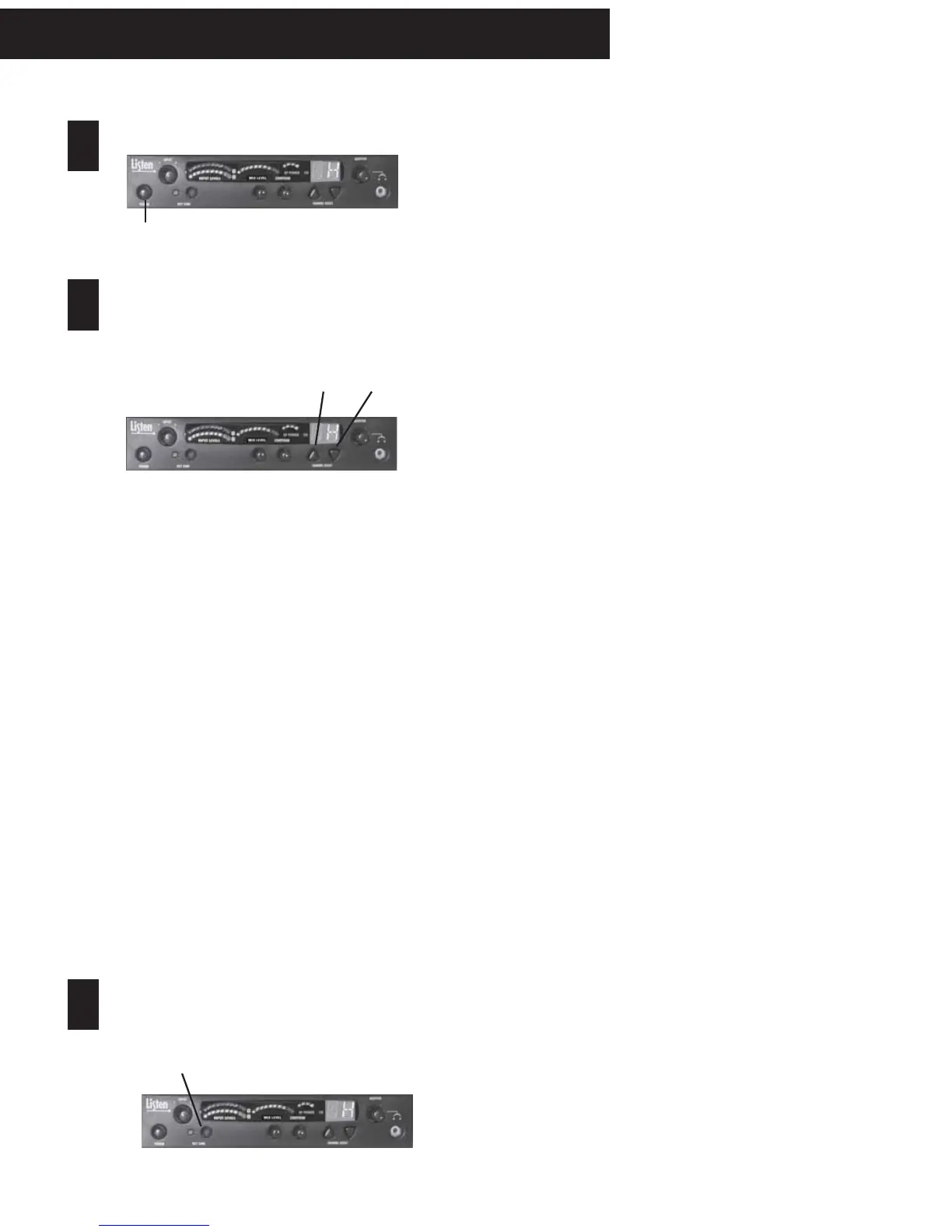
Make sure the unit is powered on.
Press POWER button and verify power
connections. When “ON”, display should be lit.
Can’t change the channel? It may be locked. Press
both the UP and DOWN buttons simultaneously for 3
seconds until the decimal dot next to the channel
turns off. Press again to lock in a new channel, if
desired.
At 72MHz:
The LT-800 at 72MHz operates on 17 wide band
channels and 40 narrow band channels.
• Letters= Wide Band Channels (Example: E)
• Numbers= Narrow Band Channels (Example: 32)
At 216MHz:
The LT-800 at 216MHz operates on 19 wide band
channels and 38 narrow band channels.
• “2” as left digit= Wide Band Channel
(Example: 2C)
• “1” and “3” as left digits= Narrow Band Channels
(Examples: 1A; 3R)
UP and DOWN buttons
Please refer to the Frequency Compatibility Tables (pages
39-42) for specific frequencies and compatibility with other
manufacturers.
Test Tone, if necessary:
To broadcast a tone, press the test tone button. This
helps to test and tune receivers when no audio source
is available.
1
2
3
LT-800 Operation
Select a channel:
Select the transmit channel by pressing the channel
UP and DOWN buttons. See “Selecting a Channel for
Transmitting” to the right for more information.



 To Next Page