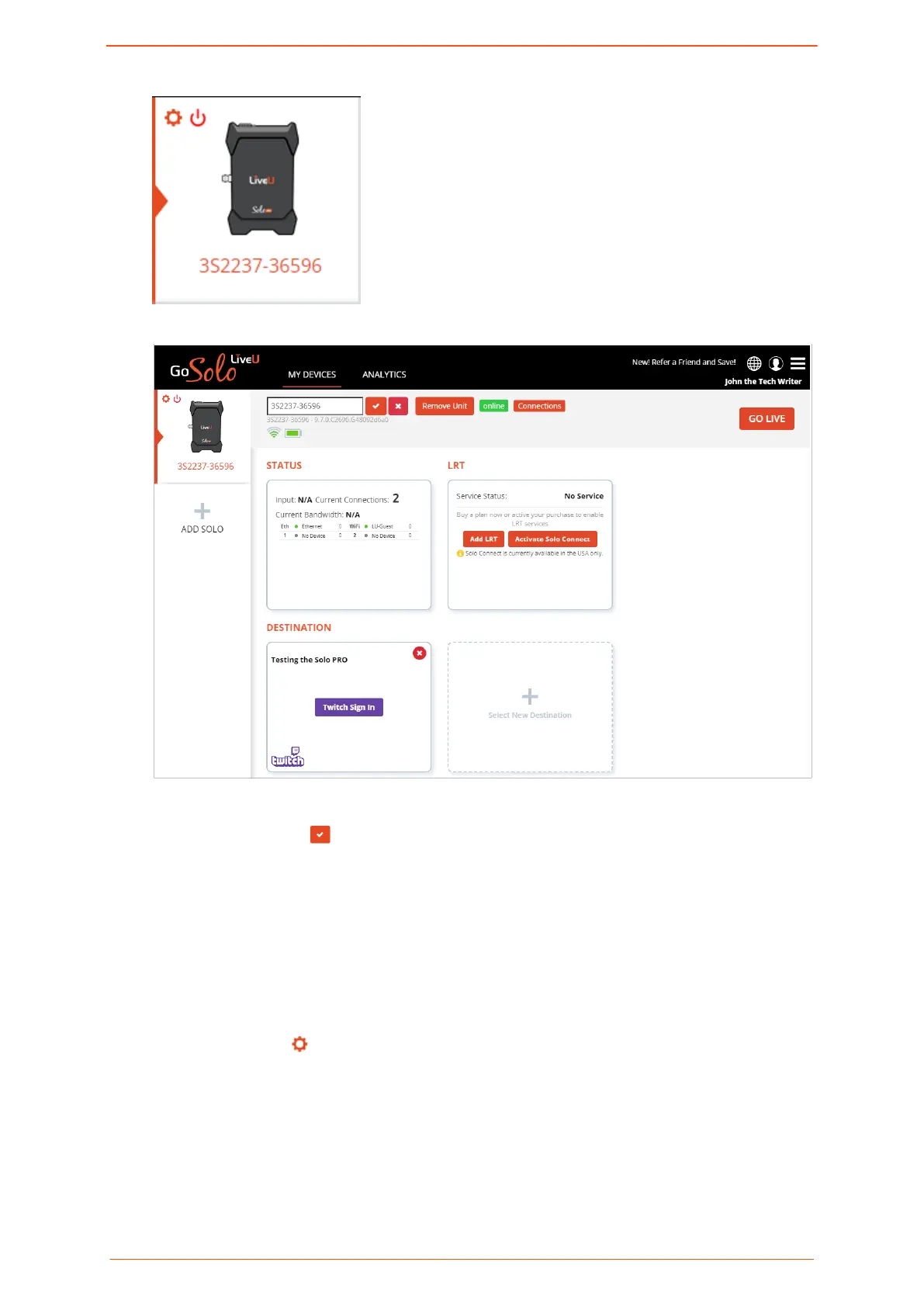
The main screen is displayed.
2. In the text box where the serial number is displayed, type the unit's new name.
3. Click the checkmark to conrm.
Removing a unit
When you remove a unit, you are cancelling your registration for that specic Solo PRO. The
unit can then be registered by other users.
To remove a unit:
1. Click the Settings
button on the left side of the screen.
2. Click Remove Unit.
A conrmation message appears.
3. Click Yes.
Logging in to the Solo PRO portal
Solo PRO User guide 13


 To Next Page