START UP MANUAL 11
QUICK LOAD SERVO III
Note :
If the previous
profile was
"Other", a text
indicating that
the loading
table needs to
be adjusted
manually will
be displayed.
See point 4.2.
On the keypad, select [2] Hexagonal
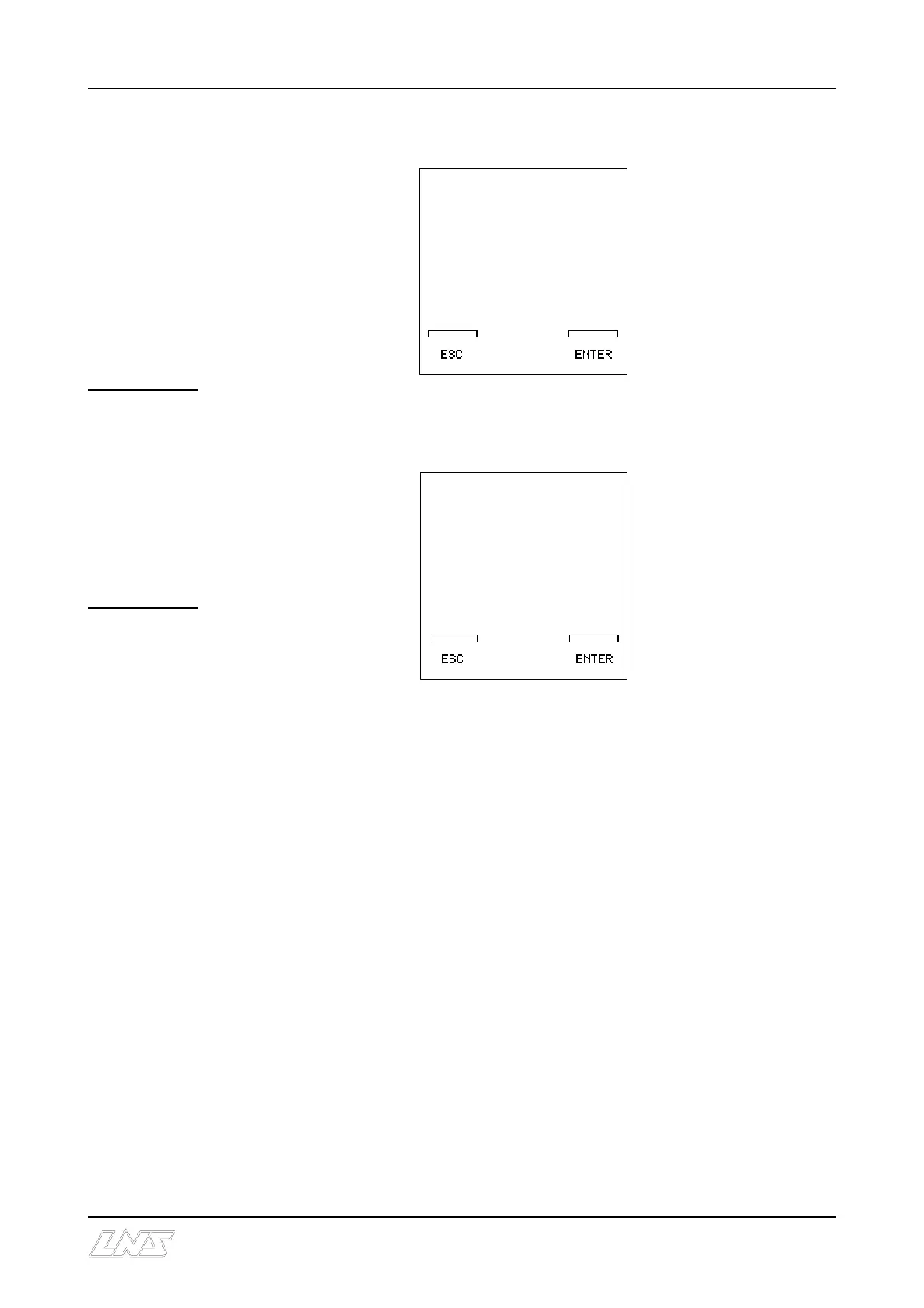
Press the [ENTER] key twice; the remote command displays the following text:
On the keypad enter [650]
Press the [ENTER] key twice; the motor (M2) engages and sets the loading table and the
loading fingers of the bar magazine. The remote command displays the following text :
On the keypad, enter [390],
which represents the sum of
the bar length and the thickness of the cutoff tool.
Press the [ENTER] key twice to store the data. Press the [ESC] key to exit the set-up
functions.
b) Mechanical settings :
C Install the 25 mm diameter pusher; see point 4.1
C If the stock is tubing, install the special adapter; see point 4.1.2
C Check that the table and the loading fingers are in the "Profiled bars" position; see
points 4.3 and 4.4
C Refer to Set-up for profiled bars; see point 5.2.
NEW STOCK
DIAMETER
0.000 INCHES
CURRENT DIAMETER
[****] INCHES
EDIT NEW VALUE AND
PRESS F4 (ENTER)
ENTER OVERALL
PART LENGTH
[ 0.00] INCHES
(INCLUDING PART
LENGTH, CUT-OFF TOOL
WIDTH AND FACE-OFF
LENGTH)
CURRENT LENGTH
*.*** INCHES











 To Next Page