12 START UP MANUAL
QUICK LOAD SERVO III
Note :
For more
information
concerning
the
parameters,
see Chapter 7,
point 5.
3.3 Example 3 : Start-up for square bars
Specifications
Bar profile Square
Bar diameter 40.0 mm across the flats
Length of pieces to be machined 58.0 mm
Thickness of the cutoff tool 2.0 mm
a) Set-up of parameters :
Conditions: The loading table is in low position
2 bars of the new diameter are on the loading table
Bar feeder in STOP mode
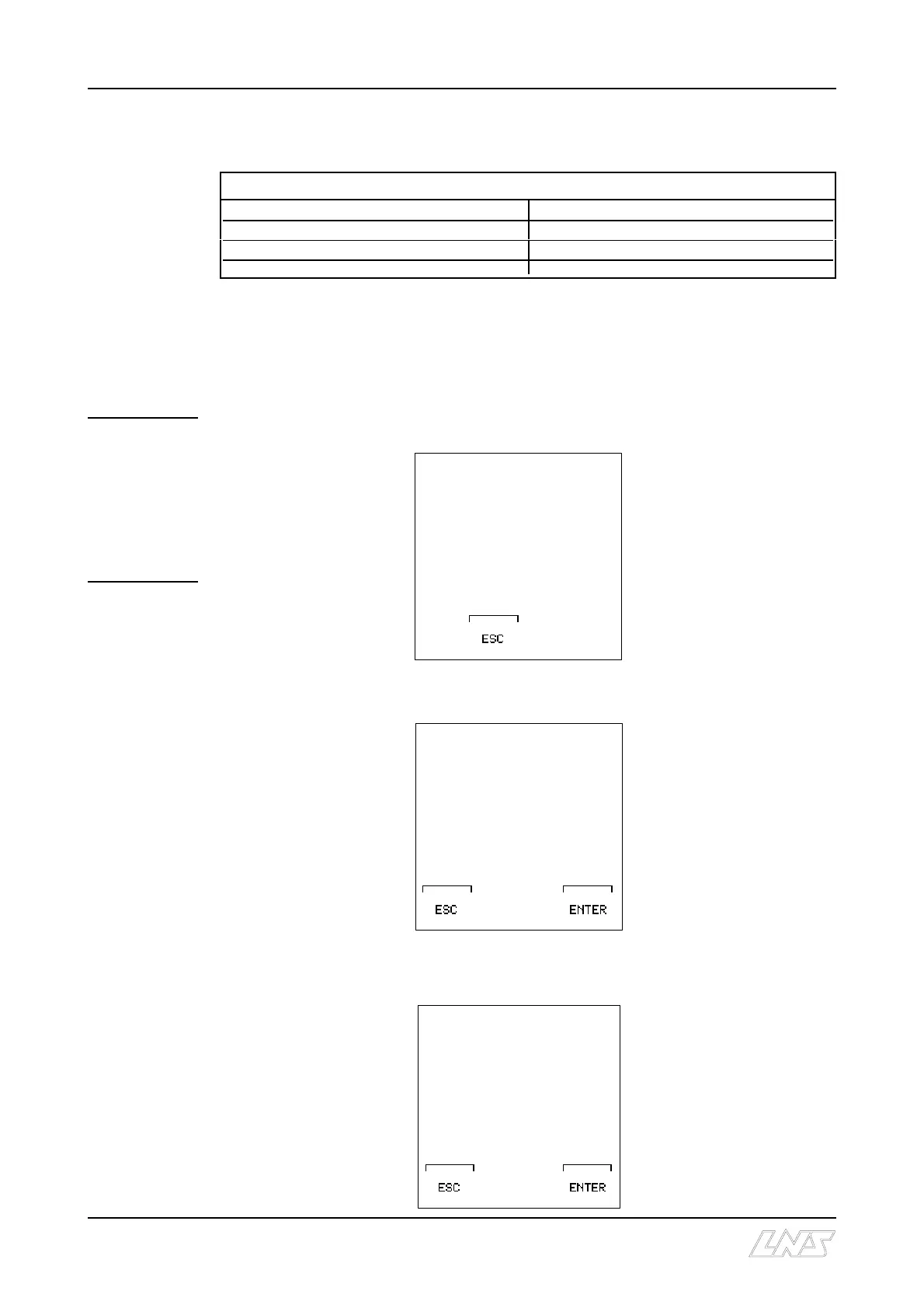
Press the [MENU] key; the remote command displays the following text :
Press the [ENTER] key; the remote command displays the following text :
On the keypad, select [3]
Square
Press the [ENTER] key twice; the remote command displays the following text:
MAIN MENU
1: PART SETUP
2: APPLICATION SETUP
3: POSITION/TORQUE
4: MISCELLANEOUS
FUNCTIONS
5: SERVICE
LOADING OF:
[@]
1: ROUND MATERIAL
2: HEXAGONAL
3: SQUARE
4: OTHERS PRM87
NEW STOCK
DIAMETER
0.000 INCHES
CURRENT DIAMETER
[****] INCHES
EDIT NEW VALUE AND
PRESS F4 (ENTER)











 To Next Page