1-8
LOADRITE Sprint User manual
1.3. INDICATOR FEATURES
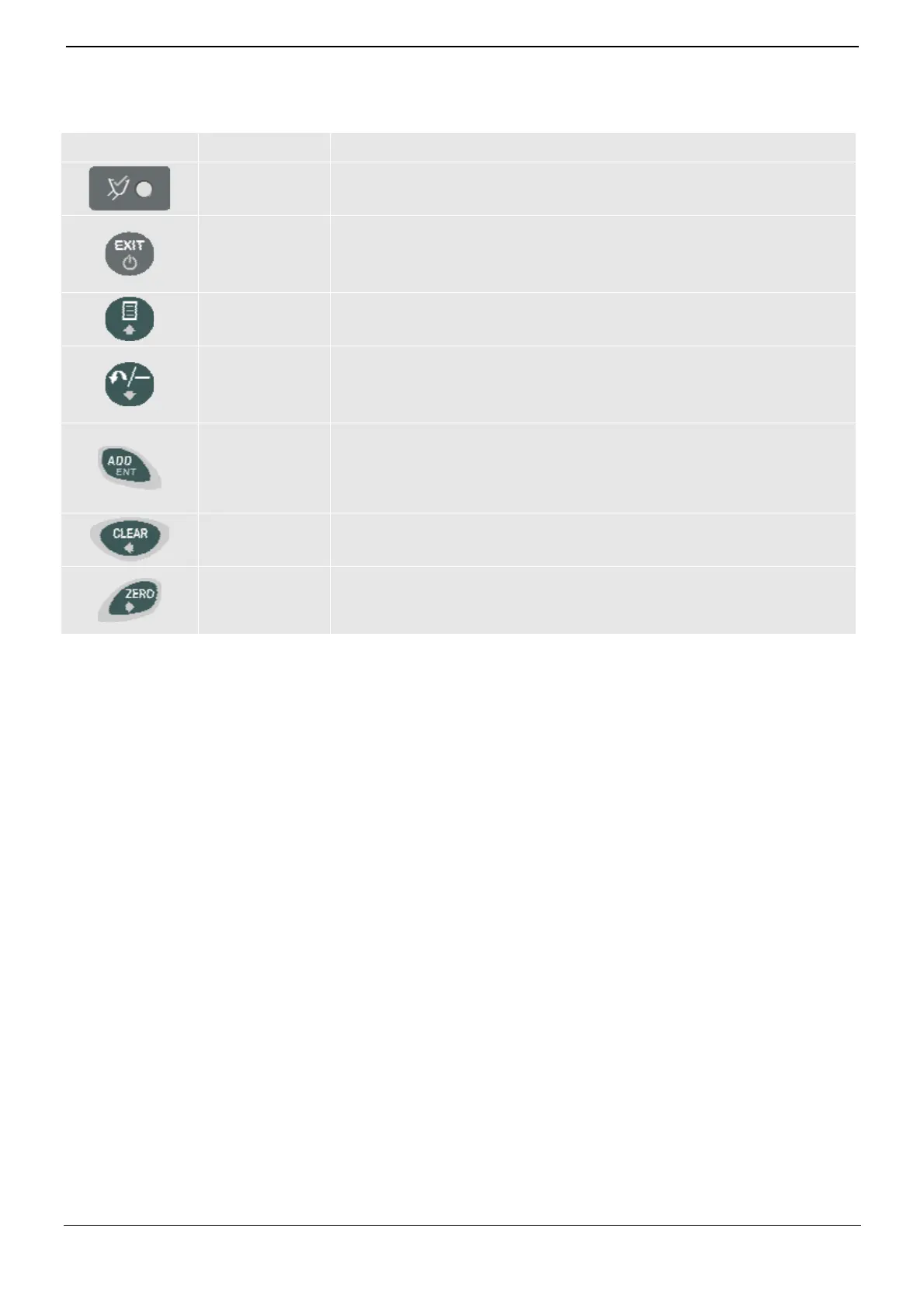
Icon Name Description
Trigger Light
Illuminates when a load is lifted past the trigger point. When this light is on, the
load may be added.
Exit
Cancel
Standby Mode
Moves back one menu screen.
Cancels changes.
Press and hold for 5 seconds to enter Standby mode.
Menu
Up
Displays the Menu.
Moves up a list of options.
Recall
Subtract
Down
Recalls the last load.
Subtracts the current load from the total.
Moves down a list of options.
Add
Enter
Adds the current bucket load to the total.
Turn Auto-Add on or off.
Selects an item.
Accepts changes.
Clear
Left
Clears the short total for the current product.
Scrolls up through values.
Zero Bucket
Right
Zeroes the empty bucket.
Moves the cursor right.
Scrolls down through values.



 To Next Page