5-18
LOADRITE Sprint User manual
5.1. SETUP...
The Install Menu provides options for configuring the LOADRITE Indicator at installation. A security code is required to access
this menu.
For further information, contact your LOADRITE distributor.
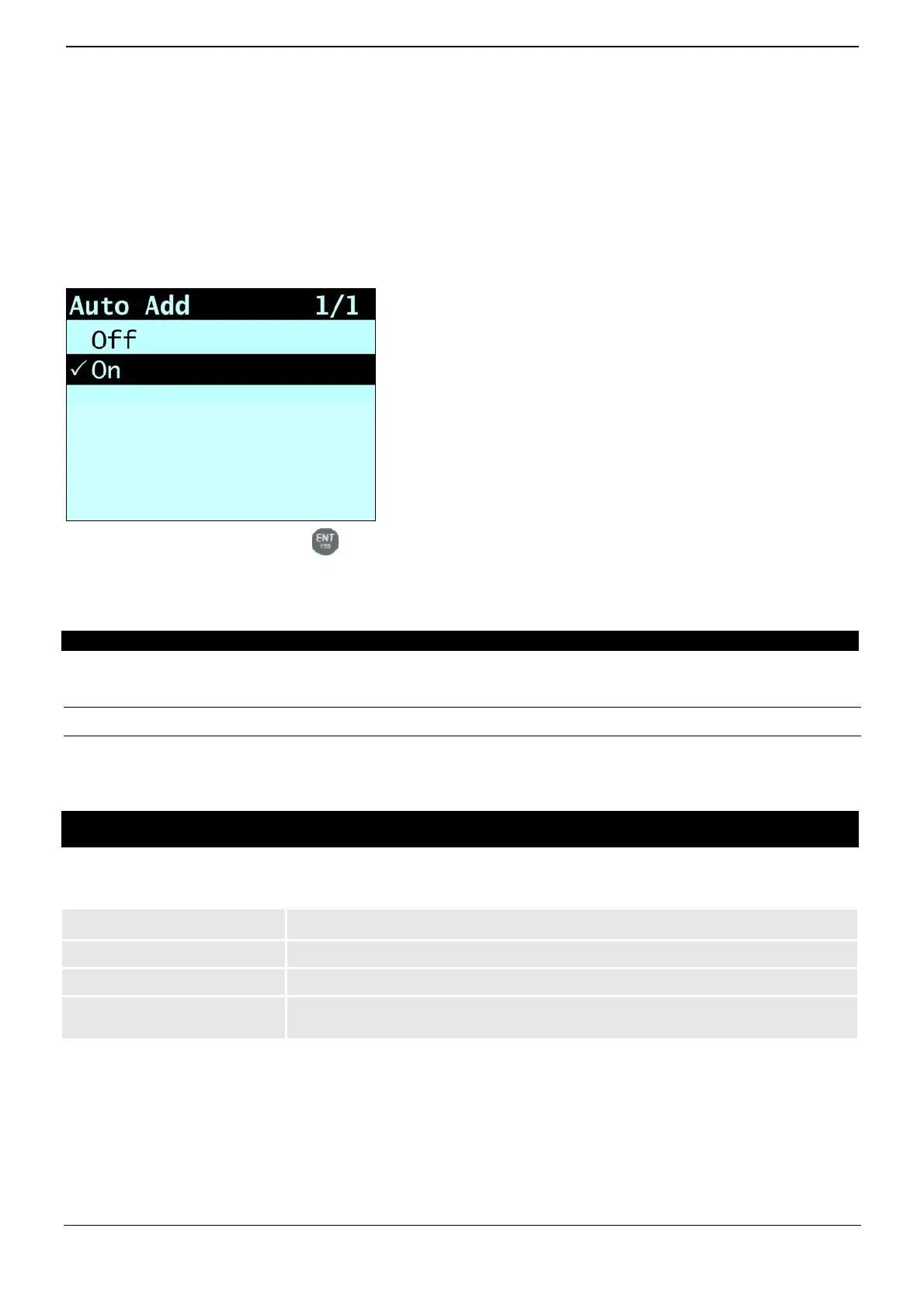
5.2. AUTO-ADD
Controls whether or not the Auto-Add functionality is enabled.
Select either On or Off, then press
.
5.3. SCALE #
The Scale options are only available if Multiple Scales functionality has been enabled during installation.
This option enables the use of different load bearing implements (for example, bucket or forks) on the loader. The operator
needs to select the correct scale for the attached implement.
TIP: You should perform a Check Zero after changing the attachment.
5.4. MODULE
The Module option is only available if a LOADRITE Data Module is connected to the Indicator and
Data Logger functionality has been correctly configured during installation.
The Data Module Menu provides functionality for use with LOADRITE Data Modules.
The following menu items are available:
Option Description
Property
Lists the properties of the Data Module.
Backup
Saves the product list and data lists to the Data Module.
Restore
Uploads data stored on the Data Module to the LOADRITE Indicator. This can be used to
share data between Indicators.



 To Next Page