5-19
LOADRITE Sprint User manual
5.5. CLOCK
The time, date and year can only be changed if Clock Edit functionality has been enabled during installation.
You can set the time, date and year on the Indicator.
5.5.1. Setting the time
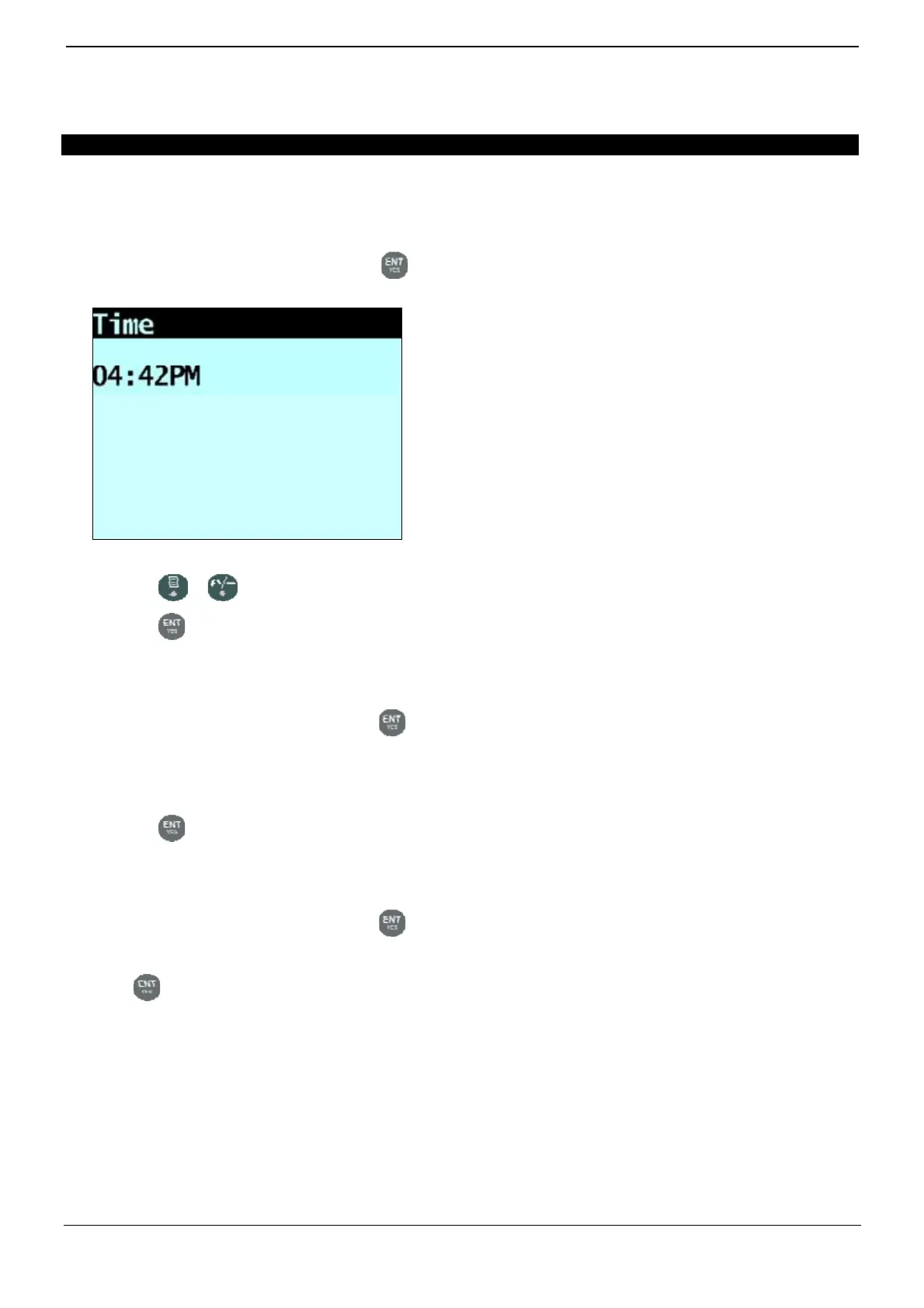
1) From the Clock Menu select Time, then press .
The time will display with the cursor over the first digit.
2) Use the keypad to enter the time:
a. Press or to select AM or PM.
b. Press
to confirm the new time.
5.5.2. Setting the date
1) From the Clock Menu select Date, then press .
2) Use the keypad to enter the month and day:
a. Press 1-9 for January to September; Press 0 then 0 for October; Press 0 then 1 for November; Press 0 then 2
for December.
b. Press
to confirm the new date.
5.5.3. Setting the year
1) From the Clock Menu select Year, then press .
2) Use the keypad to enter the last two digits of the year. For example, press 1 then 4 for 2014.
3) Press
to confirm the new year.



 To Next Page