3-15
LOADRITE Sprint User manual
3.1.2. View and clear the long total
You can view the long total for the current product at any time.
1) Ensure the Ready screen is displayed, then press
.
2) Press or to scroll up or down until Long Total is selected.
3) Press
.
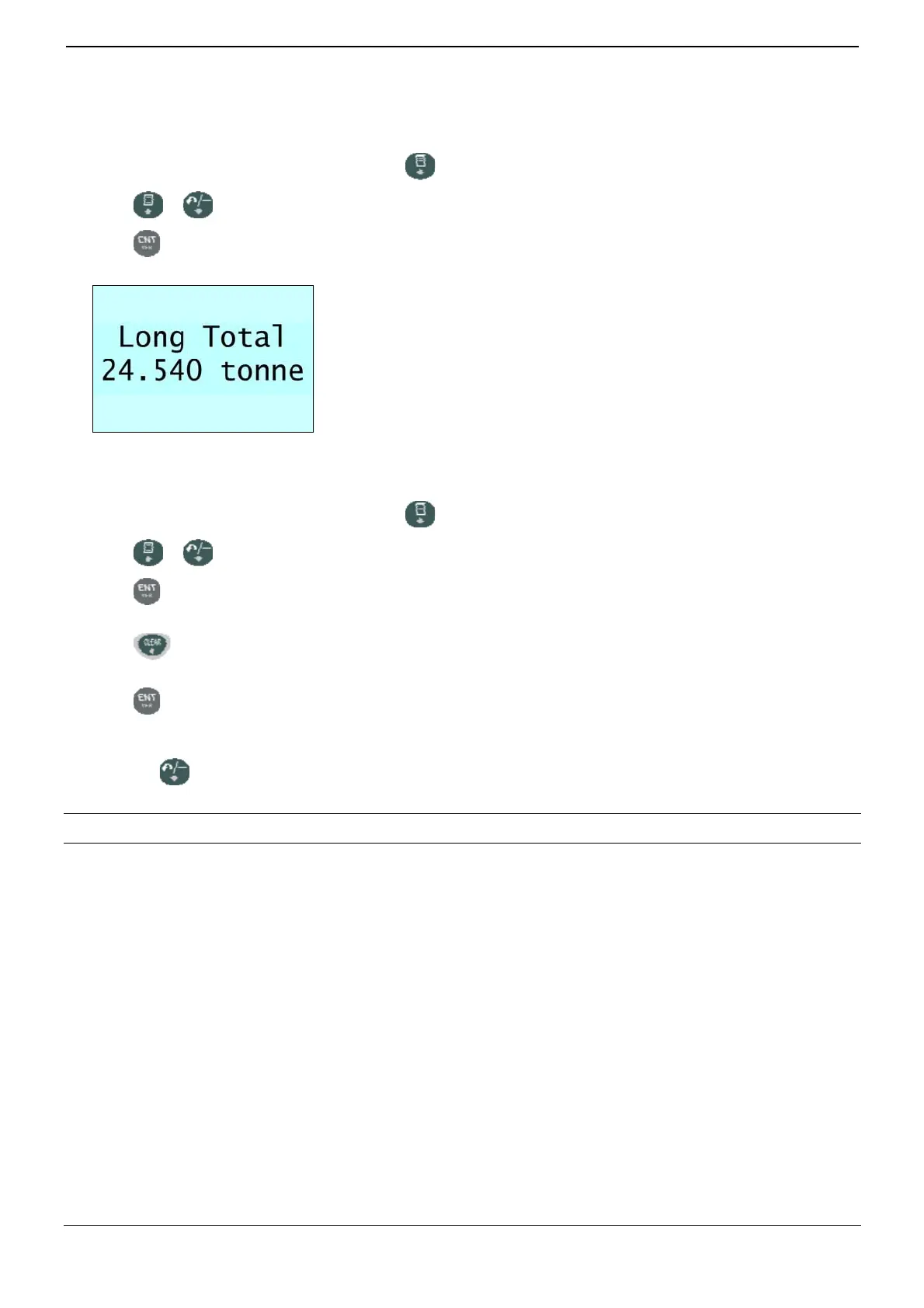
The long total will display, followed by the number of buckets added.
After a few seconds, the Indicator will display the Ready screen.
Clear the long total
1) Ensure the Ready screen is displayed, then press .
2) Press or to scroll up or down until Long Total is selected.
3) Press
.
The long total for the current product is displayed.
4) Press .
The Long Total Clear? message will display.
5) Press again to clear the long total.
The Long Total Cleared message will display. If the LOADRITE Weighing System has a printer connected, the total will
be printed.
Press
to cancel the clearing of the long total.
The Clear Aborted message will display.
NOTE: If no button is pressed, the clear command will be automatically cancelled.



 To Next Page