10
5. Operation
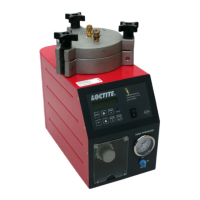
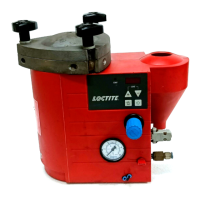
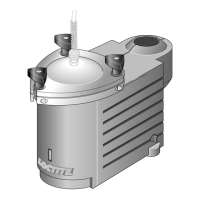
5.1 Function of the Control Panel:
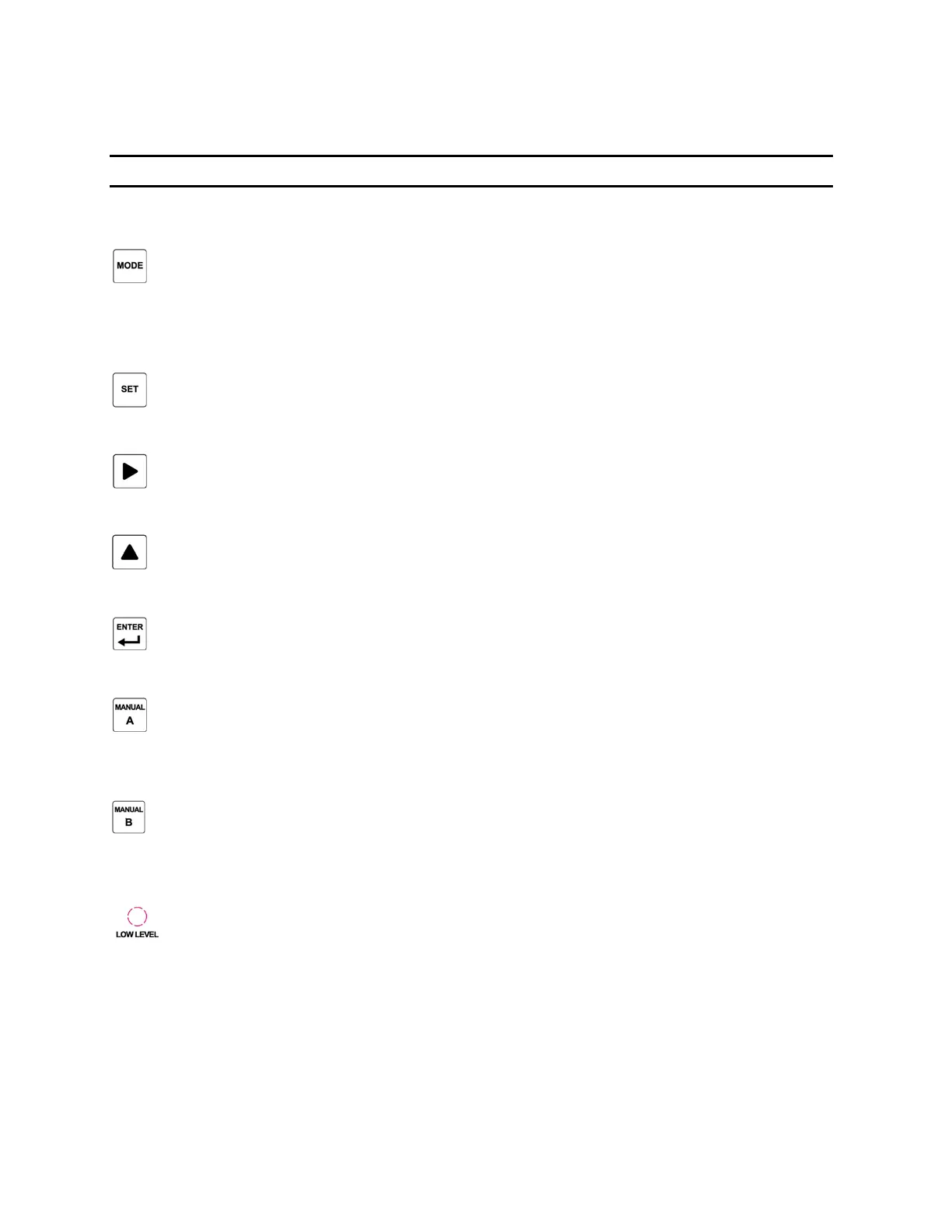
Switch (4):
Switching different mode as below cycle:
Run: Auto > Run: Manual > Run: Continuous > Set: Time (Auto) > Set: Delay (Auto) > Set:
Output > Set: Low Level > Set: Lock-Out
Switch (8)
Set the data in all “SET: XXXX” mode.
Switch (5):
For parameter digit position change. Digit position will move 1 digit to the right.
Switch (9):
For numbering change. Change from “0 – 9” or switching each option by each press.
Switch (11):
To confirm the setting and save.
Switch (6):
In “Run: Manual” mode, press and hold for manual purging the adhesive for Channel A without
displaying or changing parameters.
Switch (10):
In “Run: Manual” mode, press and hold for manual purging the adhesive for Channel B without
displaying or changing parameters.
LED Light (7):
Light to show when the adhesive is in low level.



 To Next Page