User Manual
LogicS-2 / LogicS-3
Page 21/33
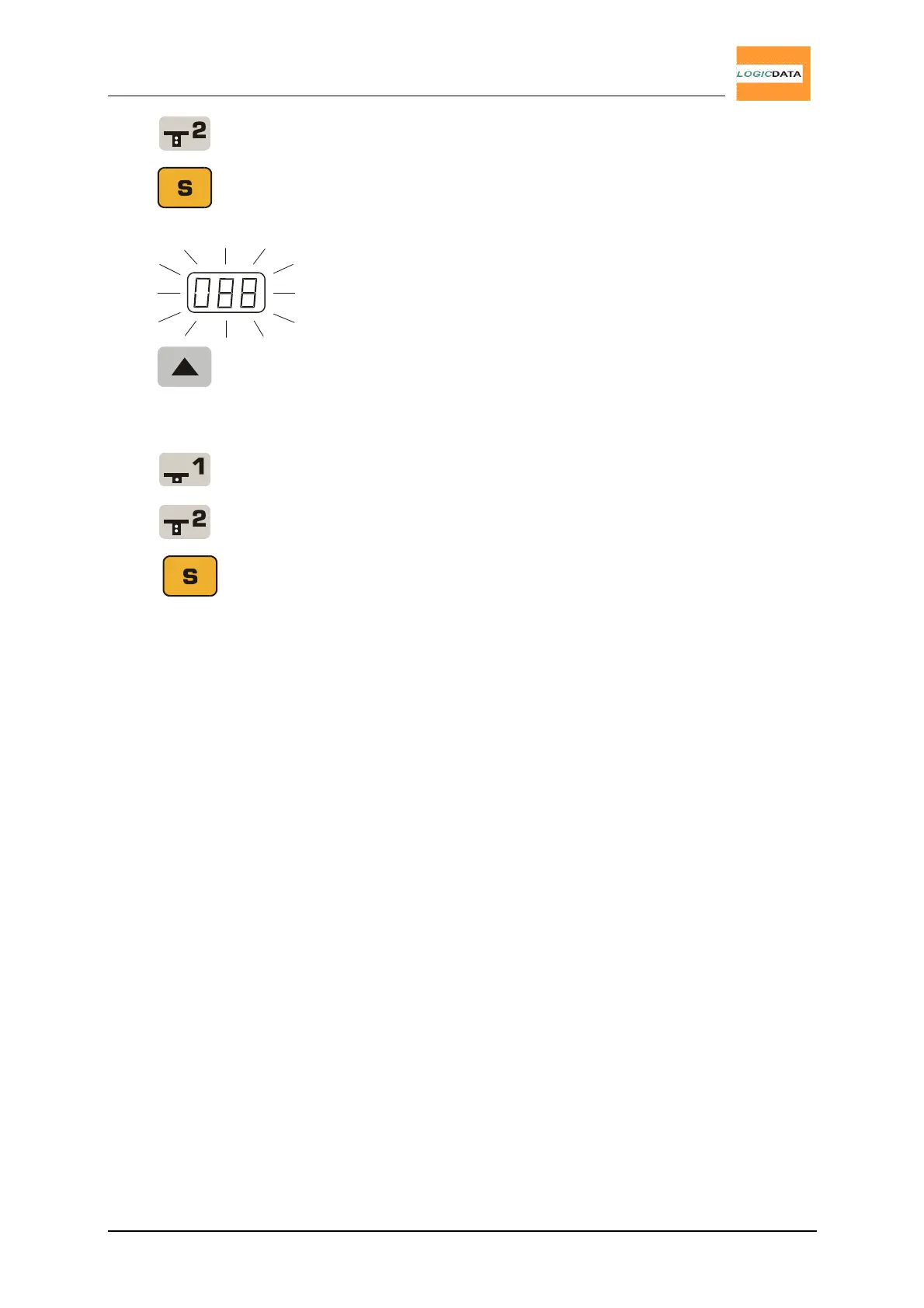
Press key T2 to decrease the displayed height
(driving in any direction is locked).
4.
Press the S key.
088 is flashing on the display.
5.
Press and hold key desk up until the desk has
reached the upper end position.
6. Adjust the display according to the actual height of
the desk.
Press key T1 to increase the displayed height
(driving in any direction is locked).
Press key T2 to decrease the displayed height
(driving in any direction is locked).
7.
Press key S. The display reads the actual height
(the digits stopped flashing)


 To Next Page