2
9. Mk9 Central Unit, General information
9.1 General Description
9.2 LED (Light Emitting Diode), buzzer
and display indications
9.3 Mute/reset button
9.4 O2 Alarm
9.5 Test the system
9.6 System fault
9.7 Removal of the Mk9 unit cover
9.8 Mk9 Central Unit, Internal layout
9.9 DIP-switch settings
9.10 DIP-switch settings, Number of
connected sensors
9.11 Mk9 Central Unit, Display information
9.12 Error alarm codes
(shown in Central Unit display)
9.13 Mk9 Central Unit, Warning Sign
9.14 Mk9 Central Unit, Specifications
10. Plug-In Power Supply, Specifications
11. Environmental conditions for the system
12. Service and maintenance
13. Function and installation check
13.1 Power supply control
13.2 Central Unit check
13.3 O2 Values displayed on the Central Unit
13.4 Mk9 O2 Sensor check
13.5 Installation Record
14. Warranty
1. General information on O2-detection
2. General LogiCO2 Safety System description
3. Test and Installation
3.1 Testing set, BEFORE INSTALLATION
3.2 Installation of the O2 sensor
3.3 Installation of the warning horn/strobe
3.4 Installation of the central unit
3.5 Installation and connection of the cables
3.6 Connection of the power supply
4. Calibration, AFTER INSTALLATION
5. Connection diagram
6. What to do in case of an Alarm?
7. Mk9 O2 Sensor, General information
7.1 General Description
7.2 LED (Light Emitting Diode), buzzer
and display indications
7.3 Mk9 O2 Sensor, Internal layout
7.4 DIP-switch settings, ID-address 1-4
7.5 Mk9 O2 Sensor, Display information
7.6 Mk9 O2 Sensor, Specifications
8. Horn/Strobe LED, General information
8.1 General Description
8.2 Horn/Strobe, Warning Sign
8.3 Horn/Strobe LED, Specifications
Index
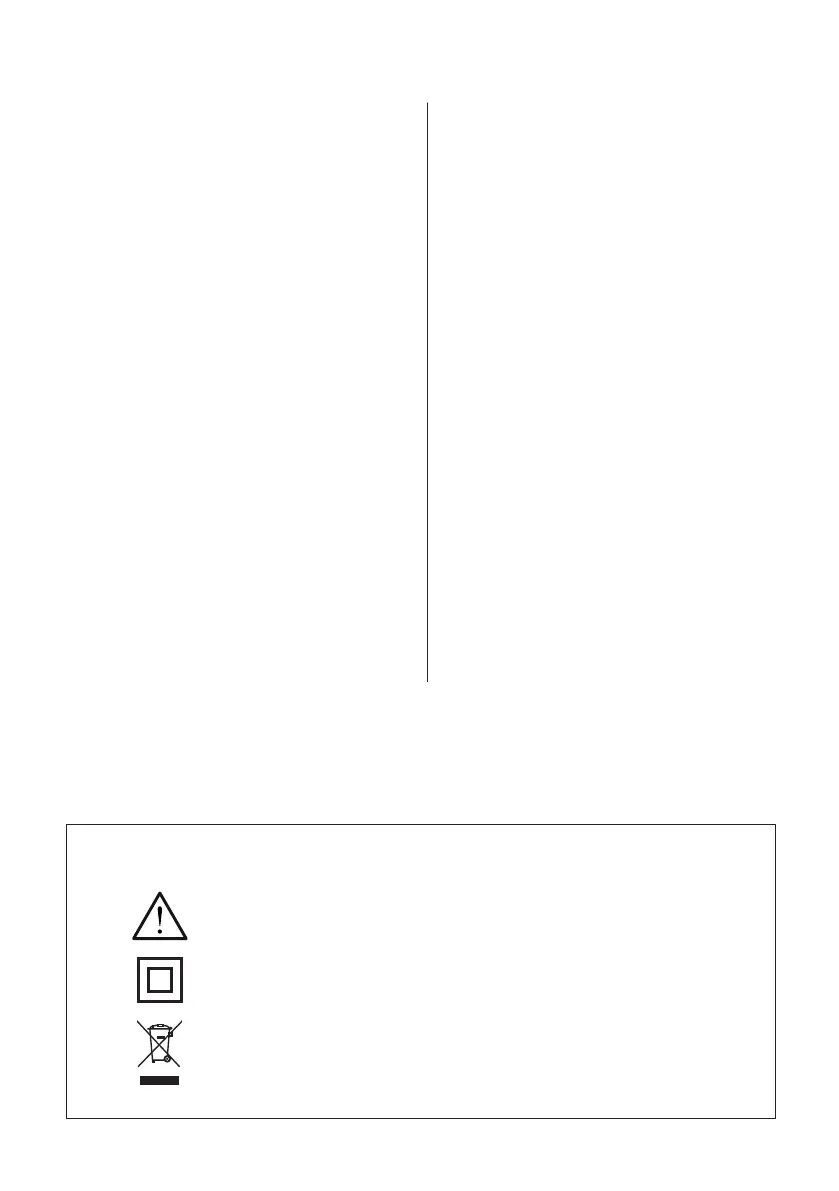
Explanations of symbols for the O2 Safety System
Please note that whenever installing or disconnecting a system,
refer to this manual first!
Double insulation protected equipment may also be called “Class 2”.
Symbol for the marking of electrical and electronic equipment.
(The symbol indicating separate collection for electrical and
electronic equipment).


 To Next Page