15
80ºC
Express 15’
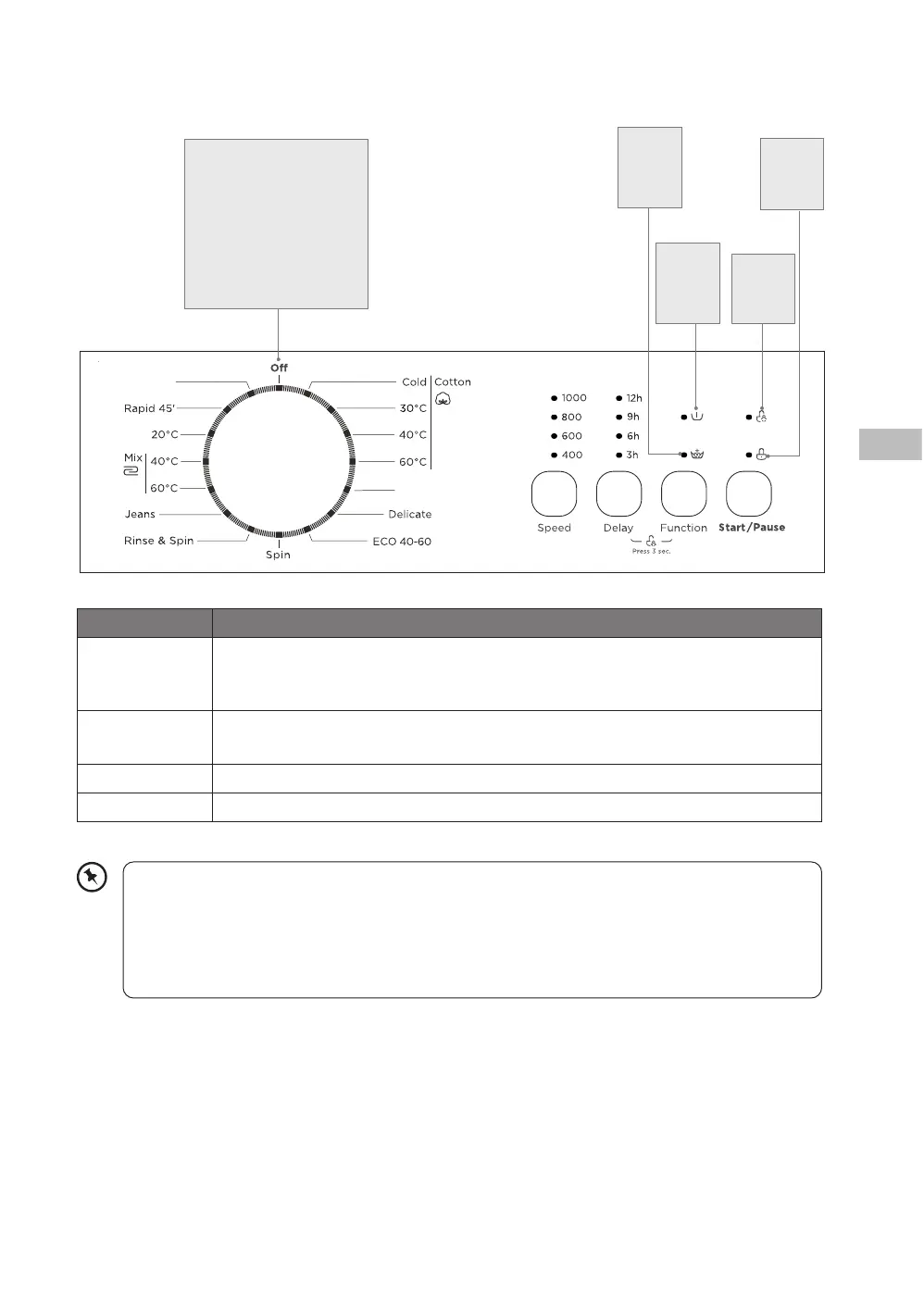
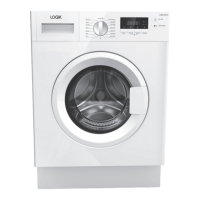
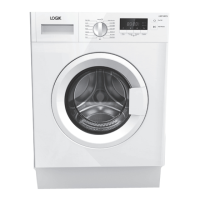
The Control Panel
Programme Dial
Dierent wash programmes
can be selected according to
your wash requirements.
If not using the machine
or after the washing
programme, ensure to turn
the dial to OFF position.
• During initial start-up and use of the unit, there may be a slight smell while the motor
is settling in. This is not a fault; this is normal operation.
• Water is poured into the washing machine to perform an inspection at the time of
shipment from the factory, so there may be drops of water or condensation in the
washing machine. This is not an indication of a malfunction.
Button Function
Speed Press continuously to select the desired spin speed of the selected wash
programme. (If no spin speed is showing on the display, it means that it will
not spin before programme end.)
Delay This button is used to delay the wash. Press continuously to select the time
you want to start the wash.
Function Press continuously to either get an extra rinse or a prewash.
Start/Pause Press to start your wash. Press while in operation to pause your wash.
Child
Lock
icon
Door
Lock
icon
Pre
Wash
icon
Extra
Rinse
icon
L610TL22E_IB_5L_RC_Final240326.indb 15L610TL22E_IB_5L_RC_Final240326.indb 15 26/3/2024 3:49 PM26/3/2024 3:49 PM



 To Next Page