15
1.
2.
3.6 Setting up User-Interface LUI-1 Rotator
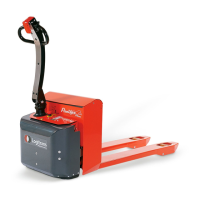
3.6.1 Home screen
When starting the machine/deactivating the emergency stop in User-Interface LUI-1,
the home screen is shown on the display.
1. Fork position,
- With green arroww - horizontal (0°)
- With red arrow - programmed angle
2. Settings (SETUP)
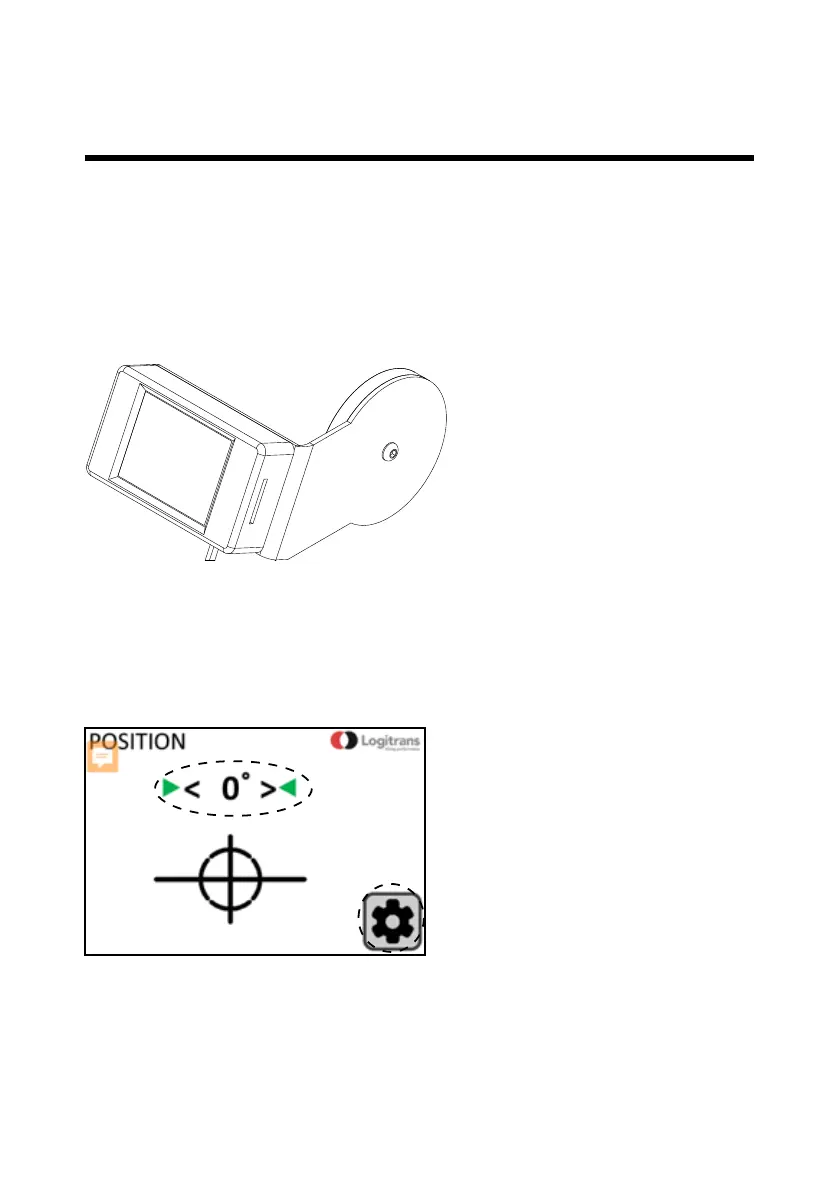
3.5 User-Interface LUI-1 Rotator
User-Interface LUI-1 for:
• Setting speed for rotation
• Setting up to three stop position/angles in both rotation directions
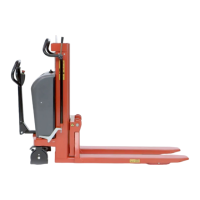
3.0 How to operate the Rotator


 To Next Page