16
1.
2.
3.
4.
5.
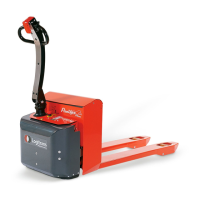
3.6.3 Setting of rotation speed
At the Setup menu, press “SPEED” to adjuste rotation speed.
1. Use
➕⁄➖ to adjust the speed.
2. Use
✔/✖ to accept/cancel the
choice and return to Setup menu.
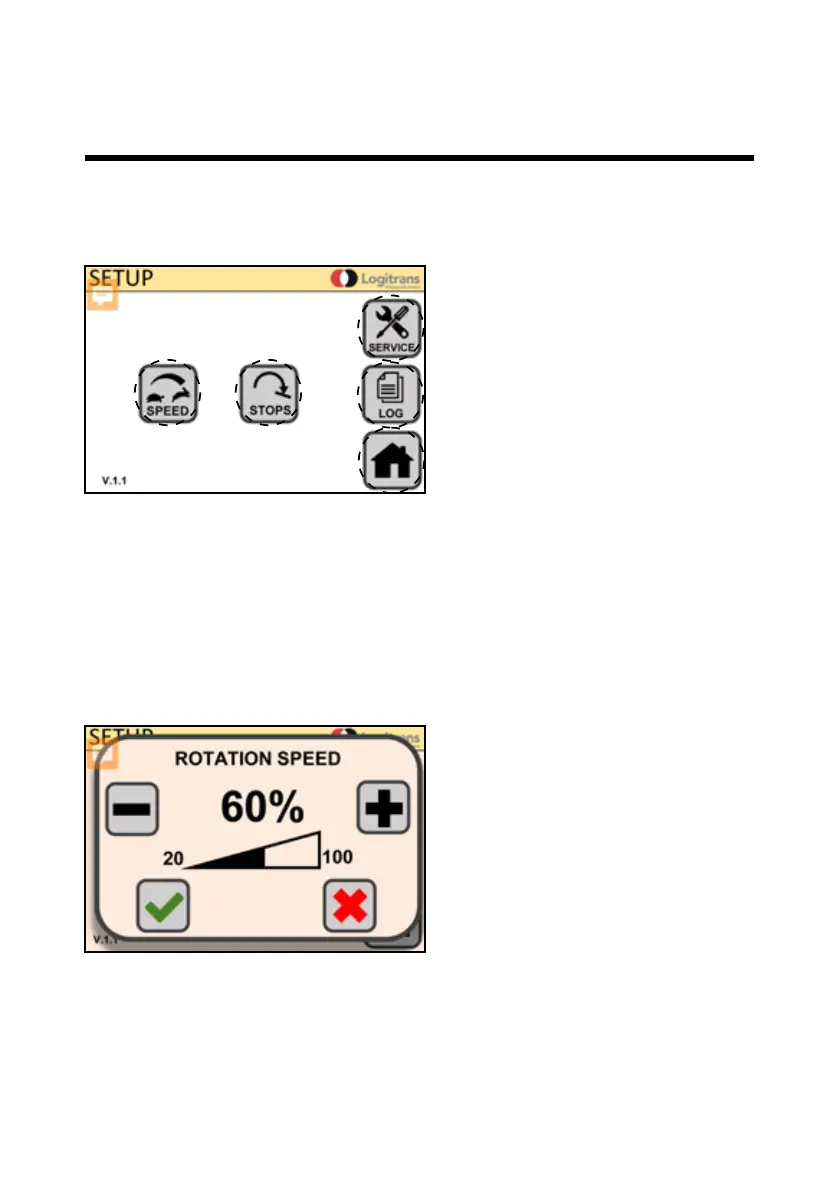
3.6.2 Setup menu
At home screen, press settings icon (SETUP) to go to setup menu.
1.Rotation Speed (SPEED)
2.Angle stop (STOPS)
3.Service menu (SERVICE)
4.Usage data (LOG)
5.Home screen (HOME)
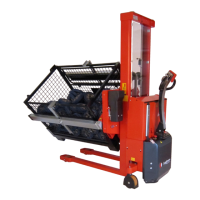
3.0 How to operate the Rotator


 To Next Page