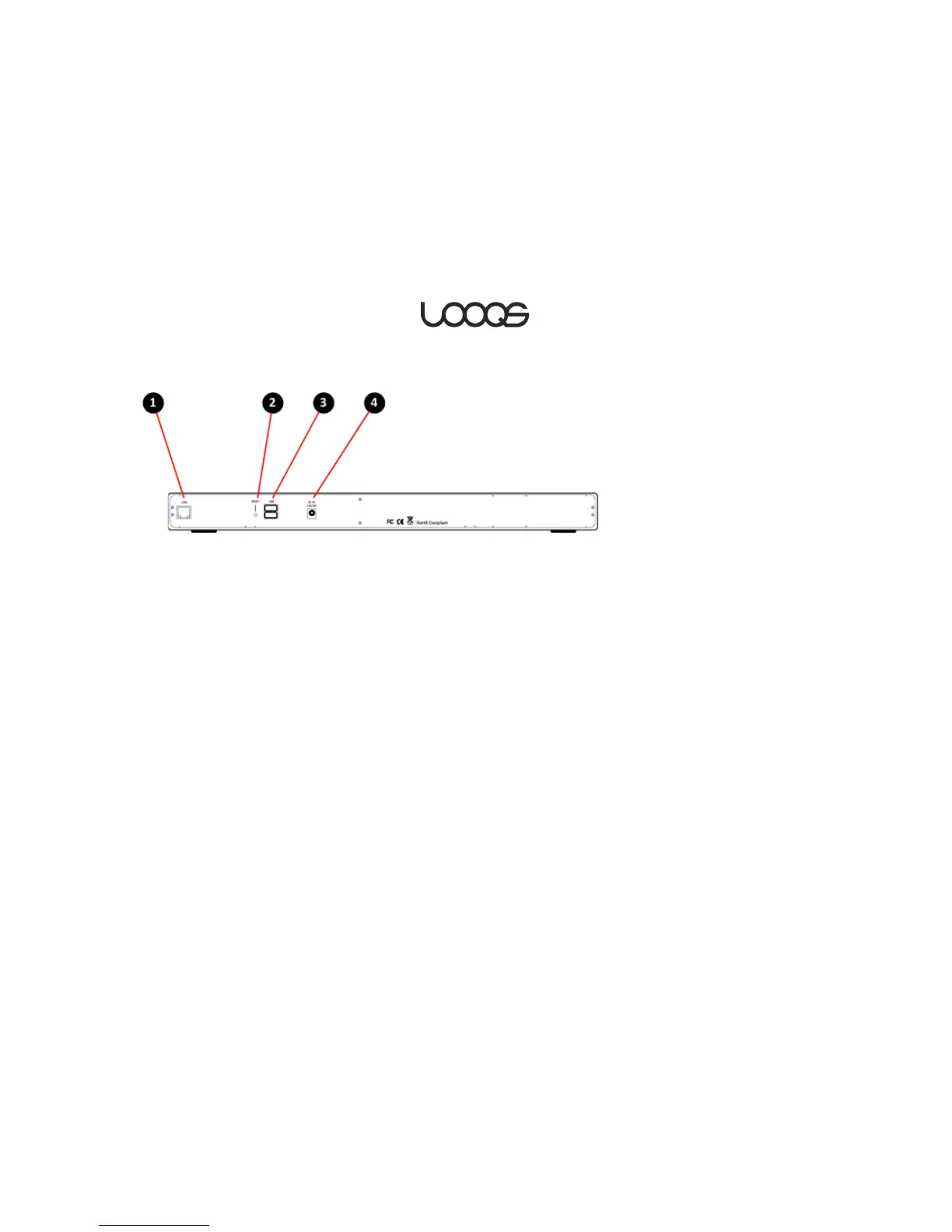
Network Port
Connect a cable to your router here.
Factory Reset Button
Using a thin object such as a straigtened paper clip, push
this to reset all settings to factory defaults.
USB 2.0 Ports
Connect external USB drives, memory card readers, and/or
a USB printer here.
DC Input
Plug the external power supply in here.


 To Next Page