Page 22
User Guide MeeBox NAS
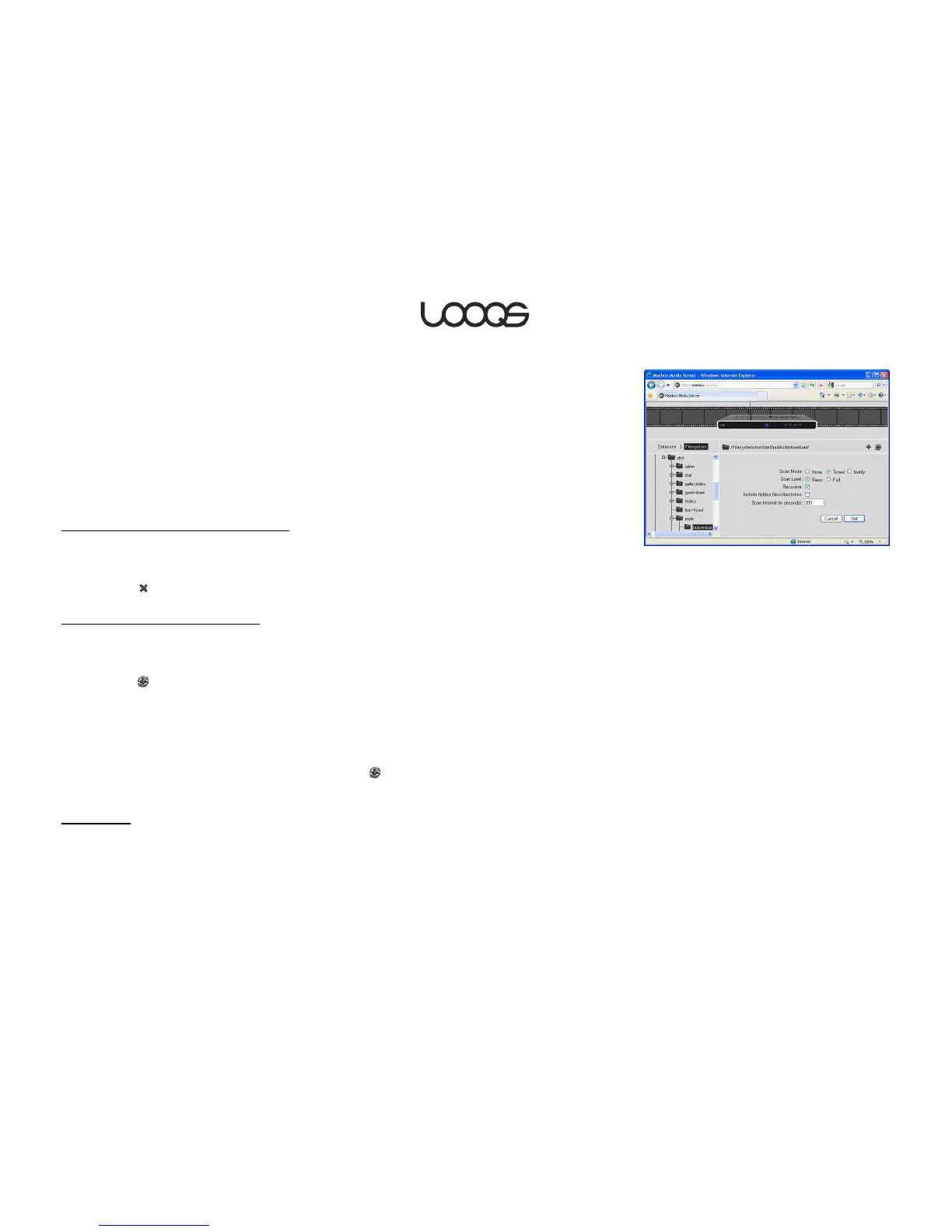
4. Set the following options as shown (see Figure 4):
Scan mode: Timed
Scan level: Basic
Recursive: (selected)
Include hidden files/directories: (unselected)
Scan interval: 300
5. Click Set.
The selected folder will be immediately scanned for media files.
Stopping a folder from being scanned
1. Click Database.
2. Click the plus sign to the left of the icon labeled [Folders].
3. Select the folder you no longer want to be scanned.
4. Click the button.
Changing a folder’s scan interval
5. Click Database.
6. Click the plus sign to the left of the icon labeled [Folders].
7. Select the folder whose scan interval you want to change.
8. Click the button.
9. Set the Scan interval as desired.
The selected folder will be immediately re-scanned.
Understanding scan options
These are the options available when you click the button after selecting a folder for
scanning.
Scan mode
None: The folder will not be scanned again. (Use this option if you want to temporarily
stop a folder from being scanned without removing it from the database.)


 To Next Page