12
Connecting the camera
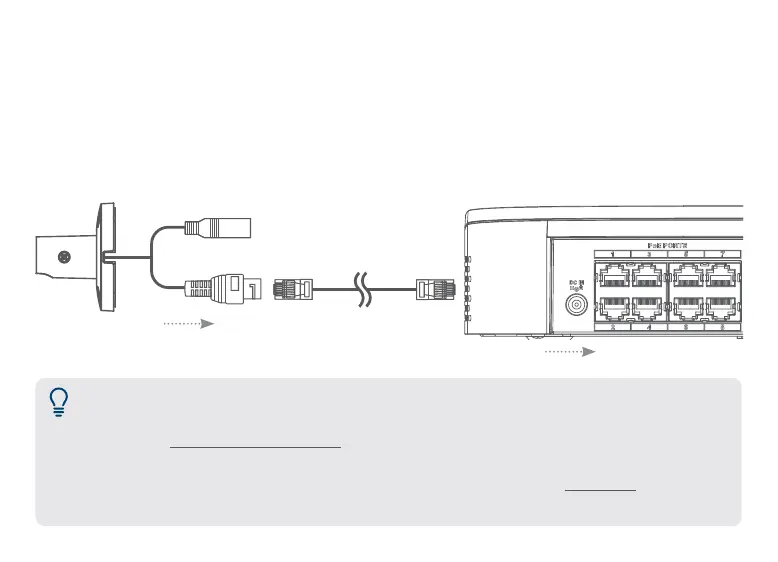
1. Connect cameras directly to the NVR (recommended)
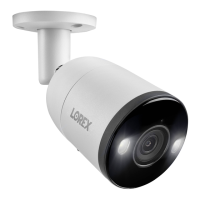
Connect the cameras and cables to your NVR using one of the following two setup methods.
Connect the Ethernet cable to the camera and then connect the other end of the Ethernet cable
to the NVR’s PoE ports. The camera may take a minute to power on after being connected.
NVR’s PoE ports
Camera’s Ethernet connector
Notes:
• The smart deterrence camera is only compatible with select NVRs. For a list of compatible
NVRs, visit lorex.com/compatibility.
• You must connect the camera to a supporting H.265 NVR to take advantage of H.265
compression. For instructions on enabling H.265 compression, visit lorex.com, and
search “How do I enable H.265 compression?”.
Ethernet cable





 To Next Page