52
EN
53
EN
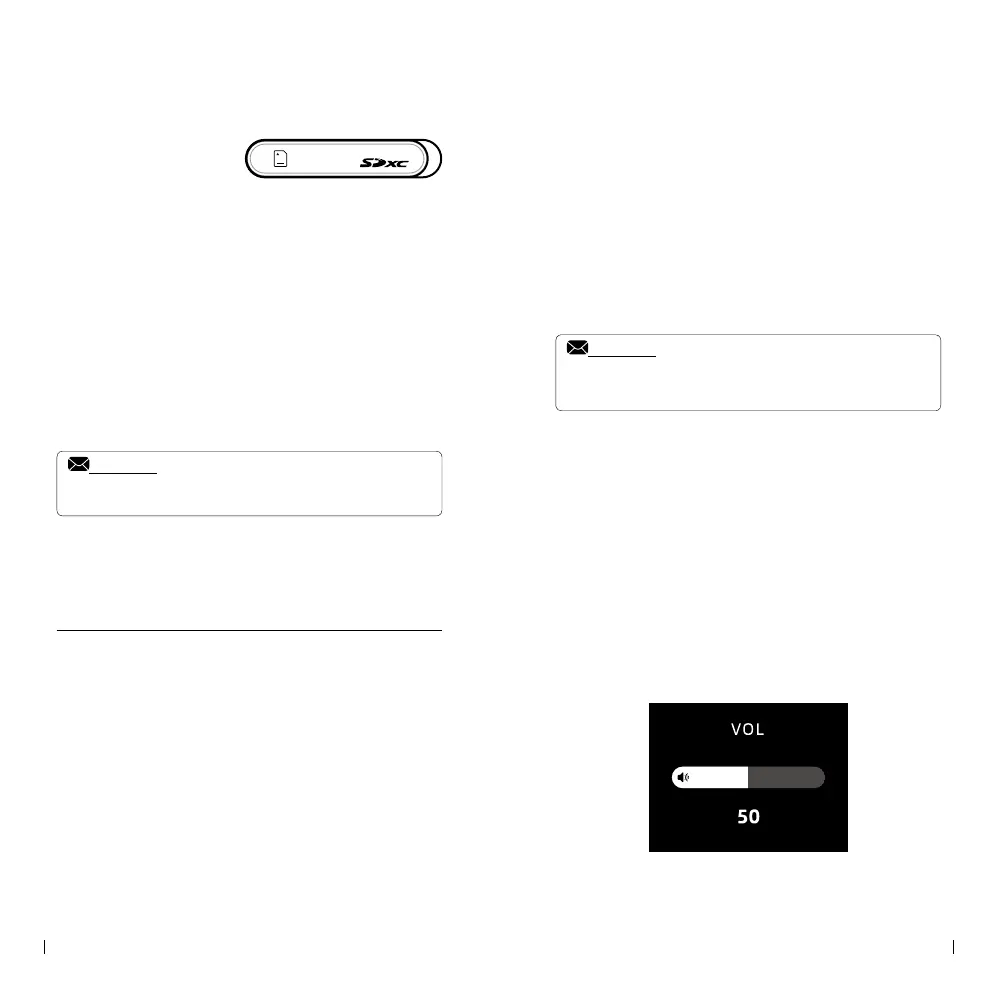
• SD Card Mounting
① . SD Card Mounting
Open the cover located at the front side of the
player.
Insert the SD card into the slot until it is
securely locked in place.
② . SD Card Ejecting
Push the SD card all the way to the end of the
slot.
Release the card, and it will be ejected from
the player.
Notice:
• Please note that the player does not have any internal storage.
• The maximum supported capacity for an SD card is 2 terabytes.
Headphones / Volume
• The player features multiple headphone outputs:
3.5mm unbalanced
6.35mm unbalanced
4.4mm balanced
4-Pin XLR balanced
• To use the headphone outputs, please follow
these steps:
① . Insert the headphone plug into the desired
output port.
② . Locate the output select knob and switch it
to the corresponding channel for the headphone
output you have connected.
③ . Once the channel is selected, it will be
activated and ready for use.
Notice:
• When the "3.5&4.4mm" output is chosen, and both the 3.5mm
and 4.4mm ports have headphones connected simultaneously,
the 4.4mm port will take priority over the 3.5mm port.
• Please note that for the "3.5&4.4mm" ports only,
if the headphones are pulled out during playback,
the player will automatically pause. This feature
is designed to ensure uninterrupted playback
and prevent any audio interruptions when the
headphones are disconnected.
• To adjust the volume on the player, simply rotate
the volume knob. You can turn the knob either
clockwise or counter-clockwise to increase or
decrease the volume, respectively. If you prefer a
specific rotation direction for volume control, you
can customize this setting in the setup menu.



 To Next Page