64
EN
65
EN
• Album Cover
This section displays the album cover associated
with the currently playing song, providing a
visual representation of the album or track.
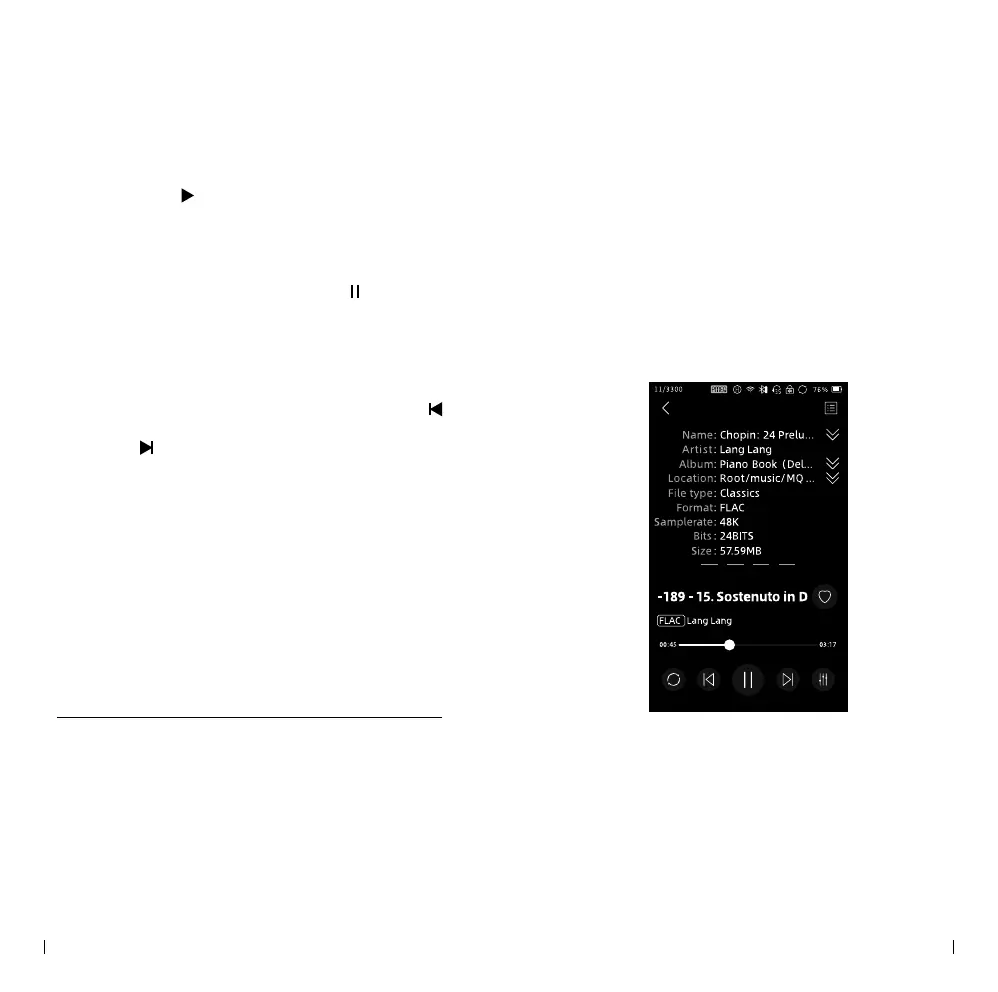
• Song Info
The song info section provides detailed
information about the currently playing song,
such as the title, artist, album, and other
relevant details.
• Lyrics
If available, this section displays the lyrics of the
song being played. It allows you to follow along
with the lyrics as the music plays.
• Play Music
Click the "<
>" button located at the bottom of
the home screen to start playing music.
• Pause
While music is playing, click the "<
>" button
at the bottom of the home screen to pause the
playback.
• Previous & Next
While music is playing, you can click the "<
>" button to switch to the previous song, or click
the "<
>" button to skip to the next song.
• Playing Progress Bar
To quickly navigate within a music file, slide
your finger across the progress bar area. This
allows you to locate specific sections of the
song and control the playback position.
Playback Screen
You can slide the cover area to switch between
dierent screen information. Here are the available
options:



 To Next Page