66
EN
67
EN
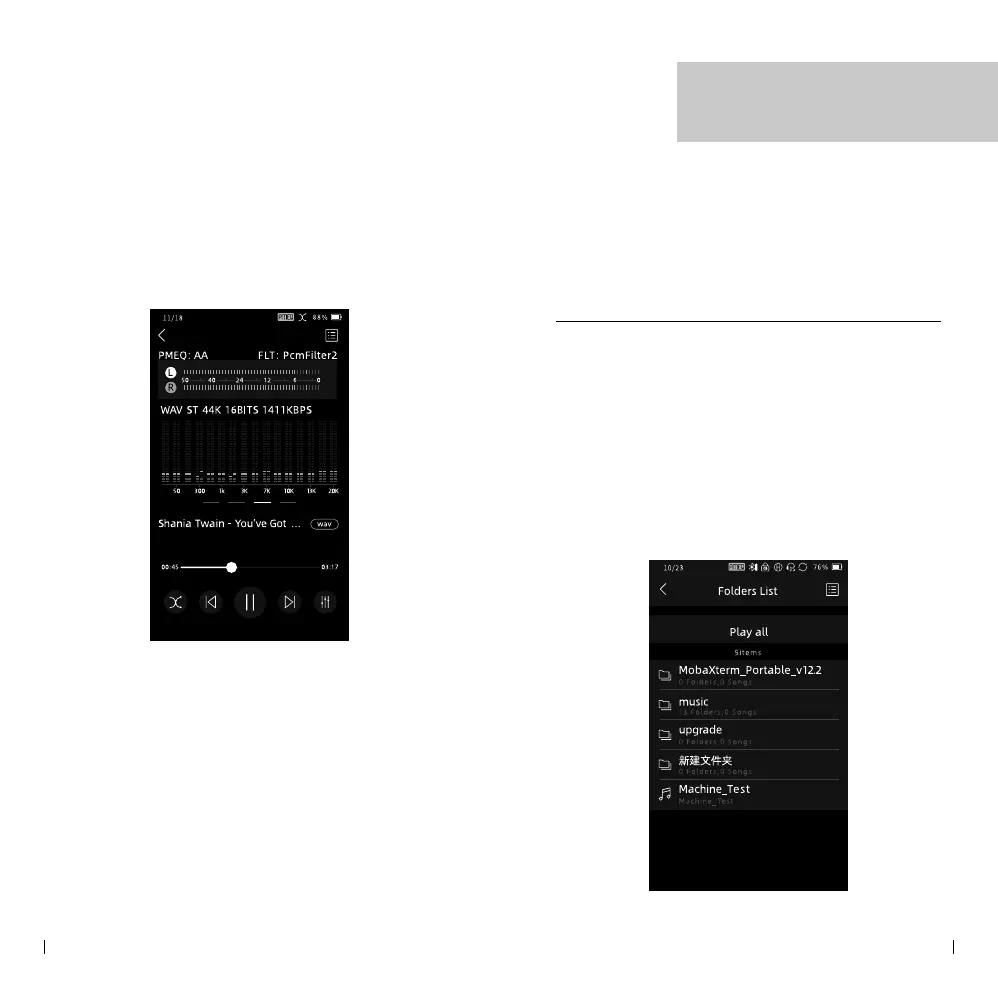
File Browser
To manage music files on the SD card, you can
access the File Browser by clicking on the "Folders"
icon on the home screen. Here's how you can
navigate and perform various actions in the File
Browser:
• View Music Files
Click on the folders listed to navigate through the
directory structure. Slide the screen page up or
down to view the music les within each folder.
File Browser
• Pro Audio Mode
For professional users, the Pro audio mode
section provides additional information. It
includes a peak meter, which shows the audio
levels, and a frequency spectrum, which
visualizes the distribution of frequencies in the
audio signal.



 To Next Page