62
EN
63
EN
04 WiFi
05 Bluetooth
06 Output Type
07 Volume Lock
08 Repeat Mode
09 Power Display
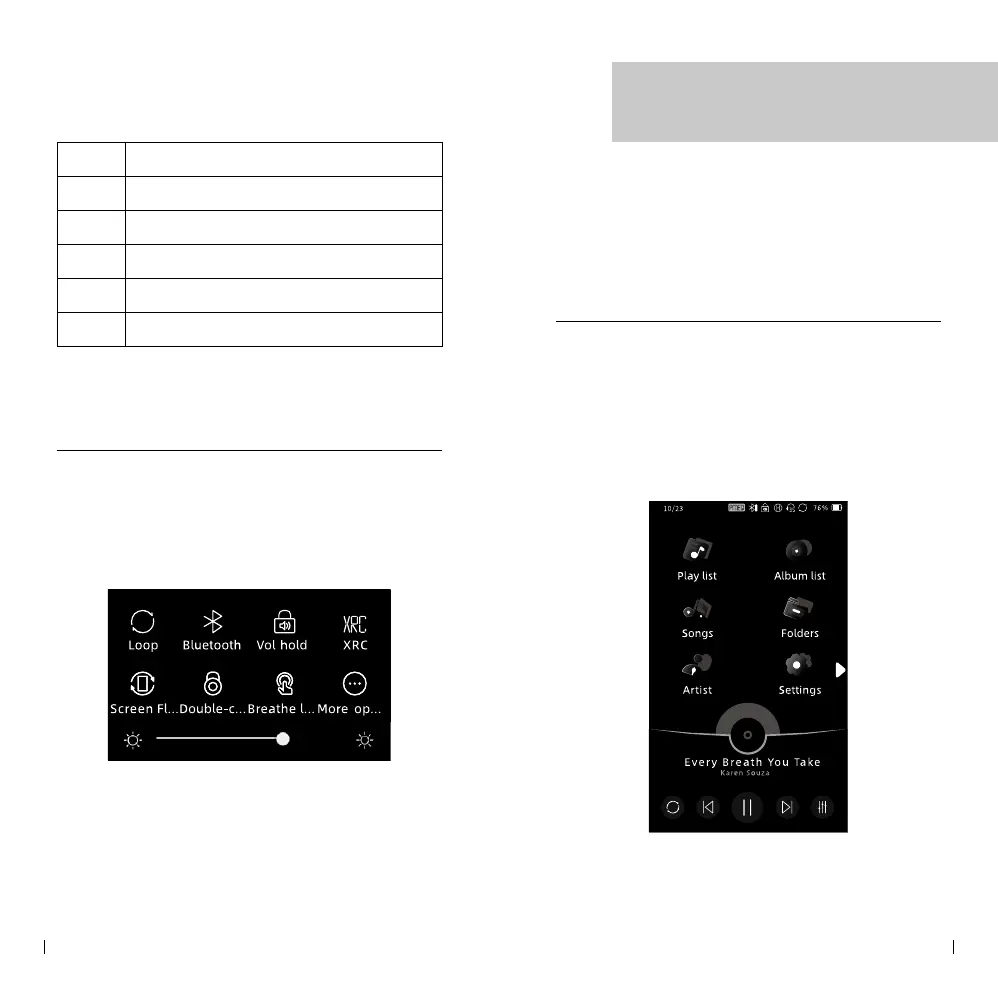
Drop-down Menu
To access the drop-down menu, simply pull down
from the top of the screen. This action will activate
the drop-down menu, allowing you to view and
access various options and settings available on the
player.
If you wish to customize the icons displayed in the
drop-down menu, you can click on the "more..."
option. This will allow you to customise and select
the specific icons you prefer to be visible in the
menu.
Function Icons
The top screen of the player displays multiple
function icons, with a maximum of 6 icons visible
on one page. To navigate between pages and access
additional icons, simply slide left or right on the
screen. This allows you to switch between dierent
pages of function icons and access a wider range of
available features and options.
Music Playback



 To Next Page