70
EN
71
EN
• Delete Playlist
To delete a playlist, slide the playlist from right to
left to reveal the delete option. Click on "Delete"
to permanently remove the playlist.
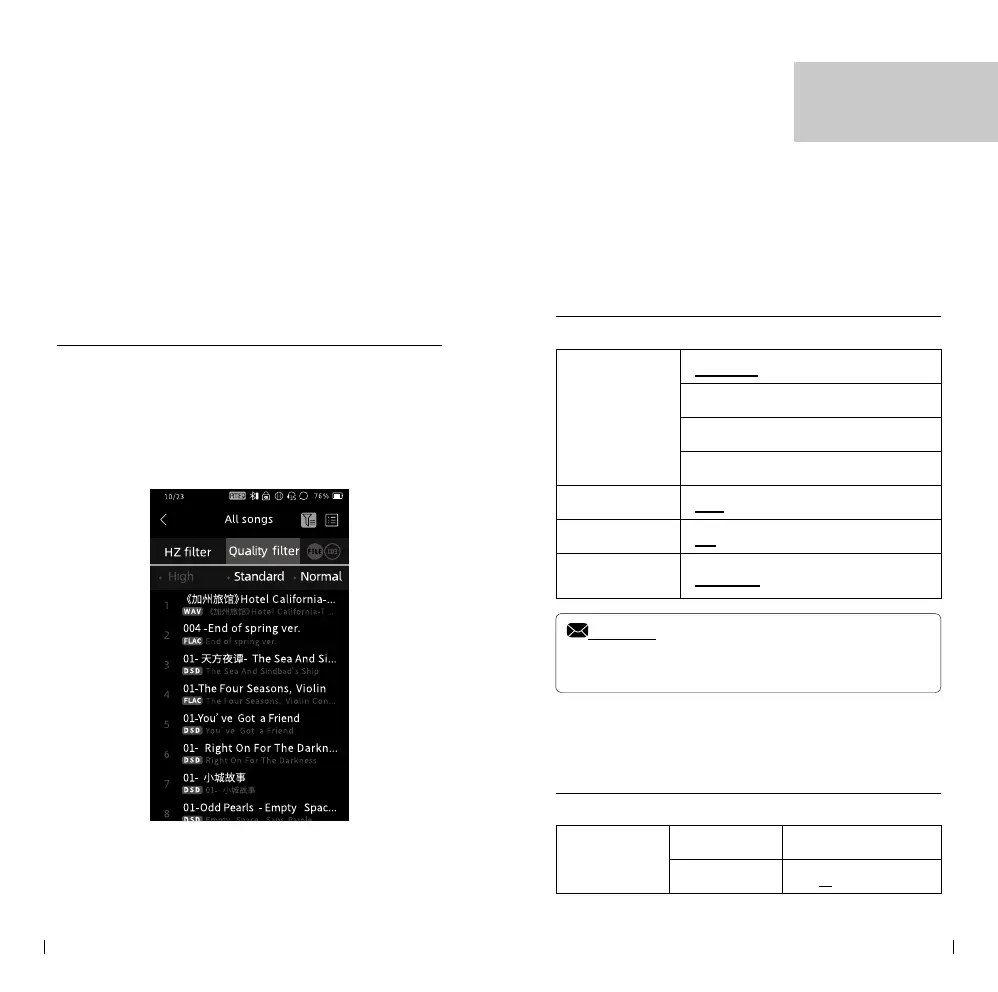
Song Sorting
By clicking the button located in the top right
corner, you can access the song sorting options.
This allows you to sort songs based on quality,
sample rate, or name, providing you with dierent
ways to organize and browse your music.
Playback Setting
Repeat mode
List loop
Shue
Single repeat
Sequence
Sleep Timer
OFF / 10-120 min
Show Lyrics
On / OFF
File Switching
Eect
Fade out / O / Gapless
Notice:
• Please take note that options with underlines indicate the
factory default settings. These settings are pre-congured by the
manufacturer and can be restored if needed.
Output Setting
Headphone
Output
LR balance L3.0dB - R3.0dB
Gain L / M / H / S
Setting



 To Next Page