1.2.
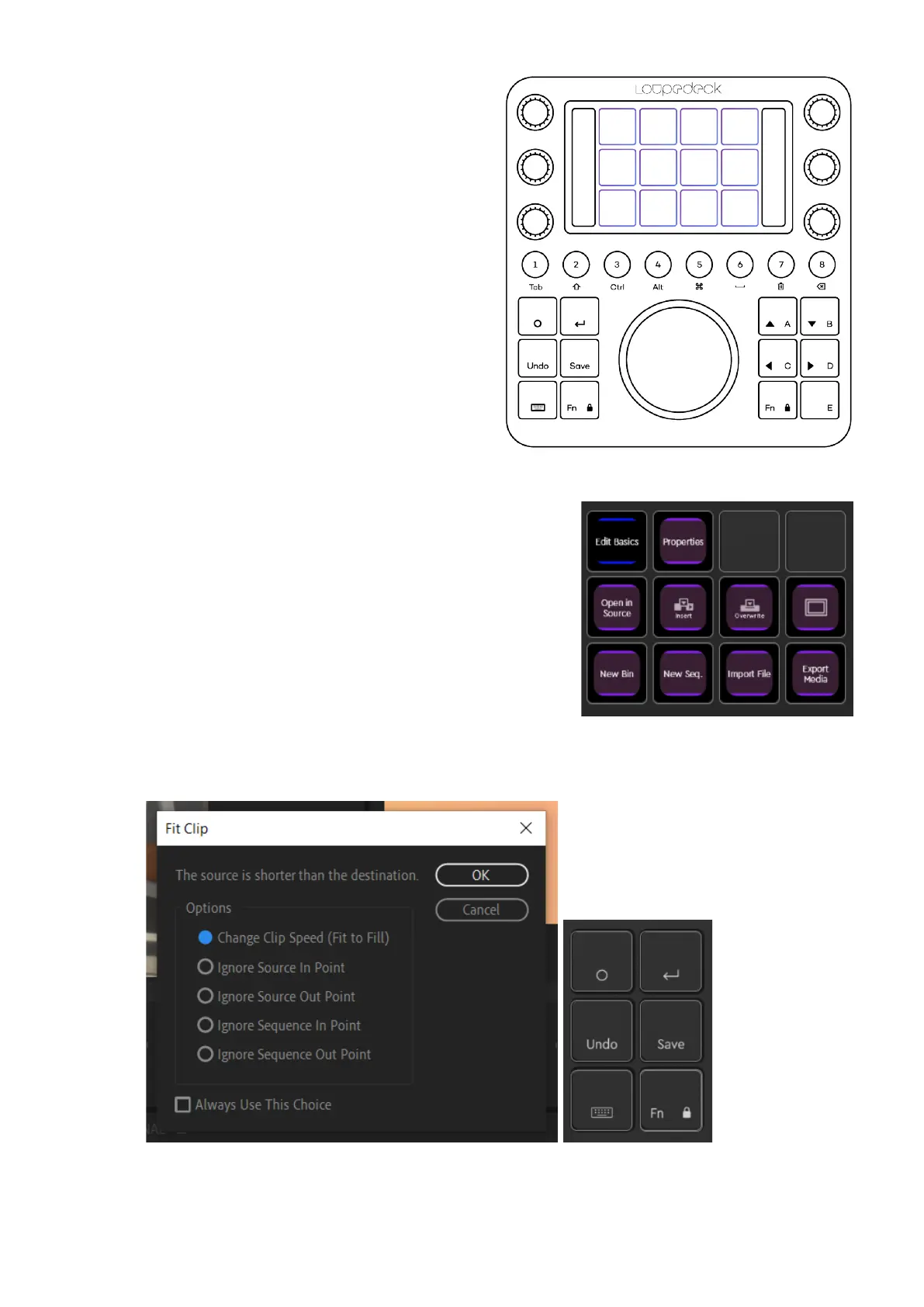
PROJECT PAGE - TOUCH PAGE
With the actions on this page, you
can:
• Organize your project by adding
New Bins and Sequences
(Project Panel needs to be the
selected Panel)
• Import material
• Go through imported clips in
your Project Window using the
“Select Clip” dial
• Send a clip to Source Window
by pressing “Open in Source”
• Review the clip by using the
Shuttle Wheel or the Navigation
Wheel
• Mark In and Out points with round buttons 4 +
5
• Send the selection to your timeline by pressing
"Insert"
Tip!:
Whenever a dialog window opens, you can
confirm your selection by pressing Enter or close the window by pressing Fn + Enter
(= ESC).


 To Next Page