NAVIGATION
There are several ways of navigating within your timeline and through clips. You j us t ne ed to
find what feels best depending on the situation and controls needed.
è
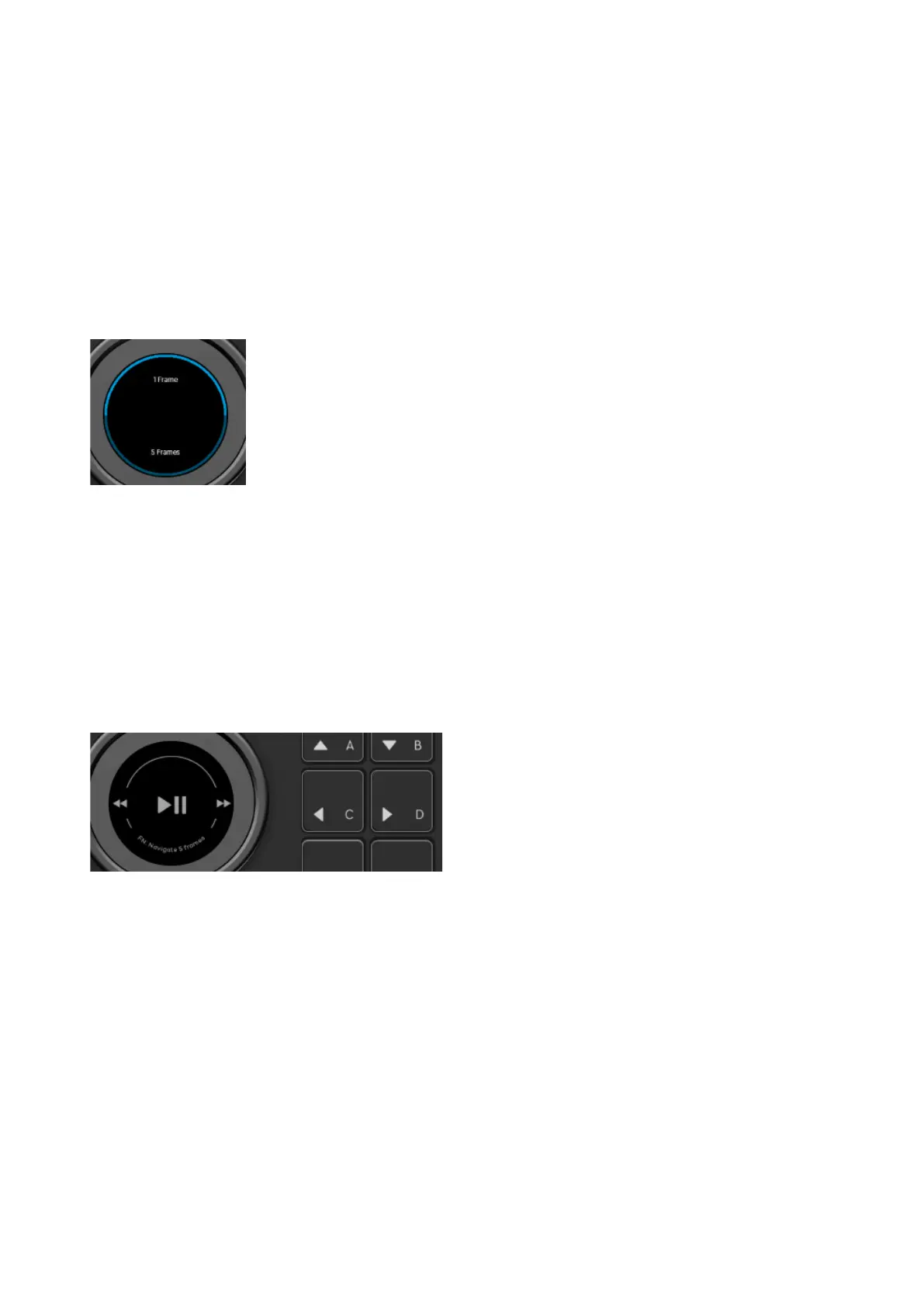
Navigation Wheel
For precise control, we suggest using the pre-defined
NAVIGATION WHEEL
with the
navigation functions 1 Frame and 5 Frames. By clicking anywhere on the wheel, you can
toggle between these two functions.
è
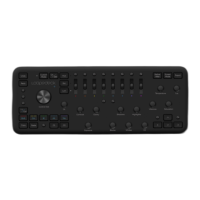
Shuttle Wheel
For navigation through lots of material, the
SHUTTLE WHEEL
would be the best choice, as
it accelerates depending on how much you turn the wheel. Maximum speed is reached with
a 90-degree rotation of wheel. Releasing the wheel stops the playhead instantly.
If you missed your exact frame
, Fn + rotation
of the
Shuttle Wheel
will get you there.
Alternatively
, use the
square buttons C + D
, or assign
1 Frame Navigation
to a dial of your
liking for quick access to frames.
ZOOM DIAL
With the Zoom dial, you can zoom in and out your timeline. By pressing the Zoom
dial, all material is fit into timeline view.


 To Next Page