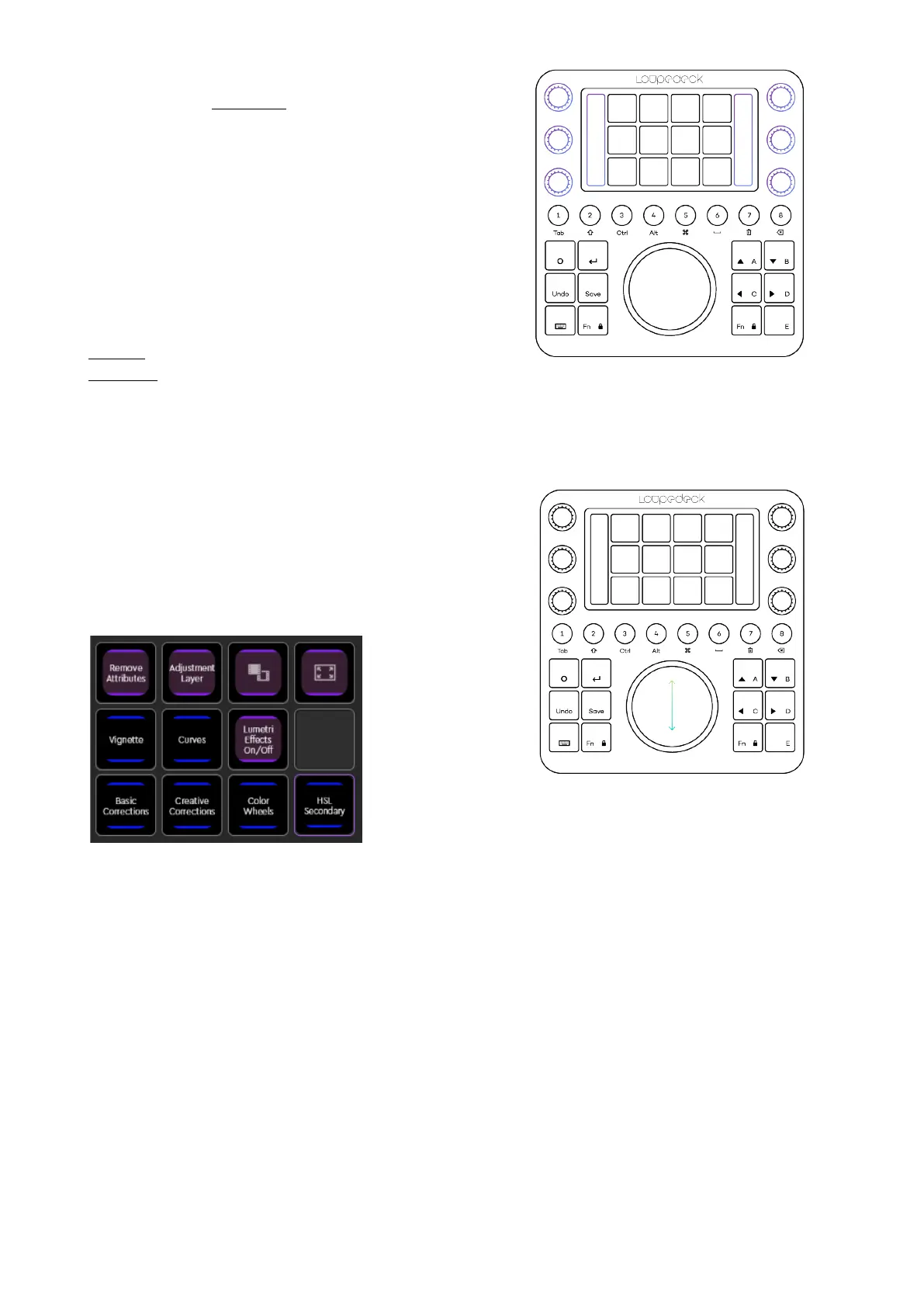
WITH DIALS, ROTATE TO ADJUST
• Te m p e r a t u r e
• Tint
• Blacks
• Whites
• Saturation
• Contrast
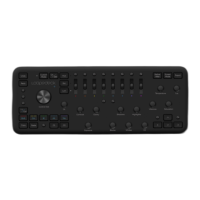
WITH COLOR WHEEL:
SWIPE
on wheel to adjust
Hue,
ROTATE
the wheel to adjust
Brightness for:
• Midtones
• Shadows
• Highlights
Changing between
Shadows
,
Midtones
and
Highlights
works by pressing
Fn + swiping up /
down.
When you open one of the blue links, you can choose which controls you want to have
displayed on CT. Some controls are assigned to dials and others to the wheel. Simply open
the page link for dials or wheel, and most Premiere color controls are already laid out for
you, ready to be adjusted by wheel / dial rotation.


 To Next Page