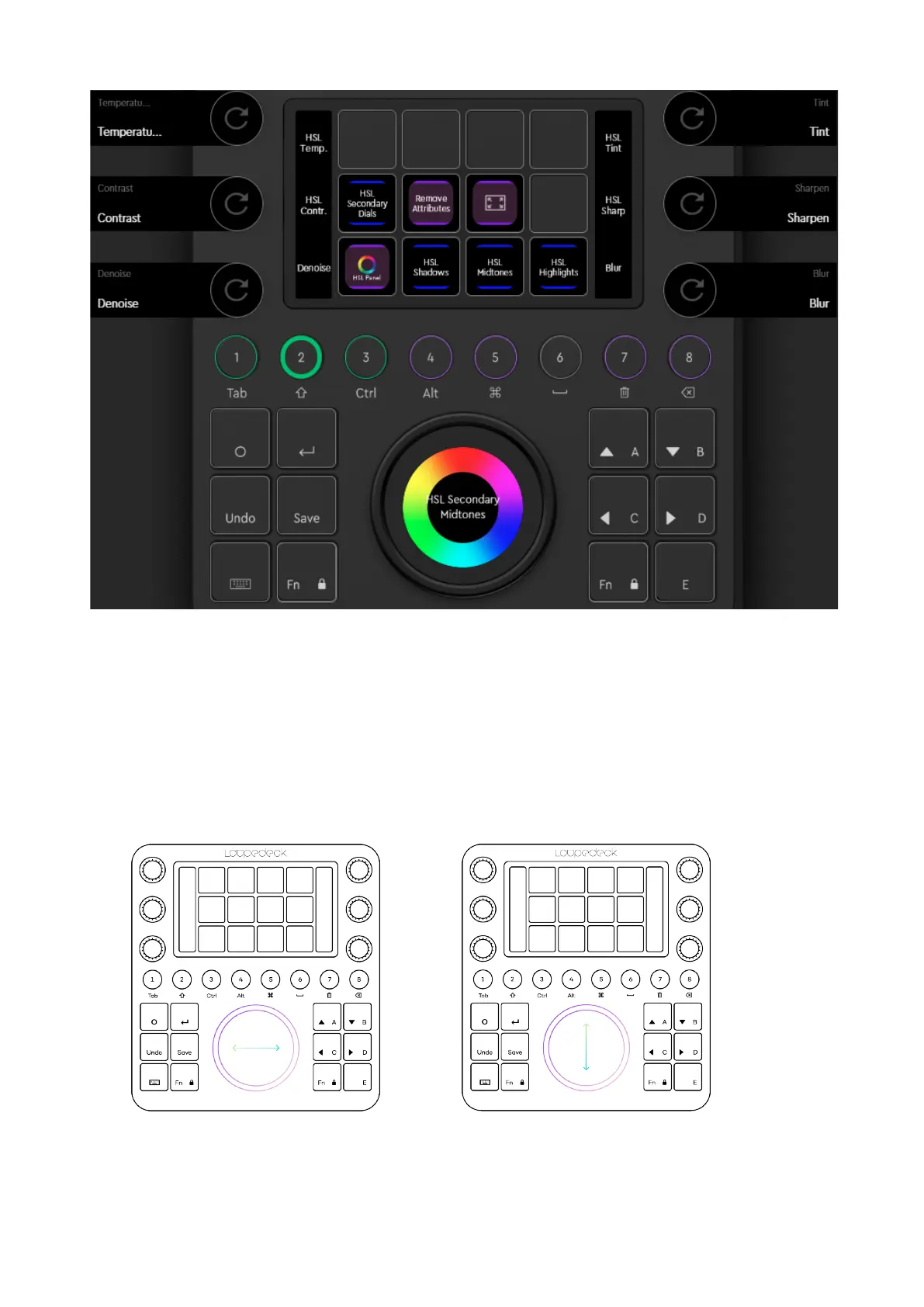
As an alternative to pressing page links, you can access all touch, wheel and dial pages
again by swiping the displays.
Note!
:
On a color wheel page, remember to press Fn + horizontal swipe – otherwise your
swiping will result in a color adjustment.
There is no dedicated dial page for Color Wheels, Vignette and Curves. A simple dial page
with Zoom and Clip Selection actions is intended to accompany those.


 To Next Page