40
41
Chart Operation | HOOK series
Chart Operation | HOOK series
The Record command allows you to record, stop
recording or resume recording a desired trail.
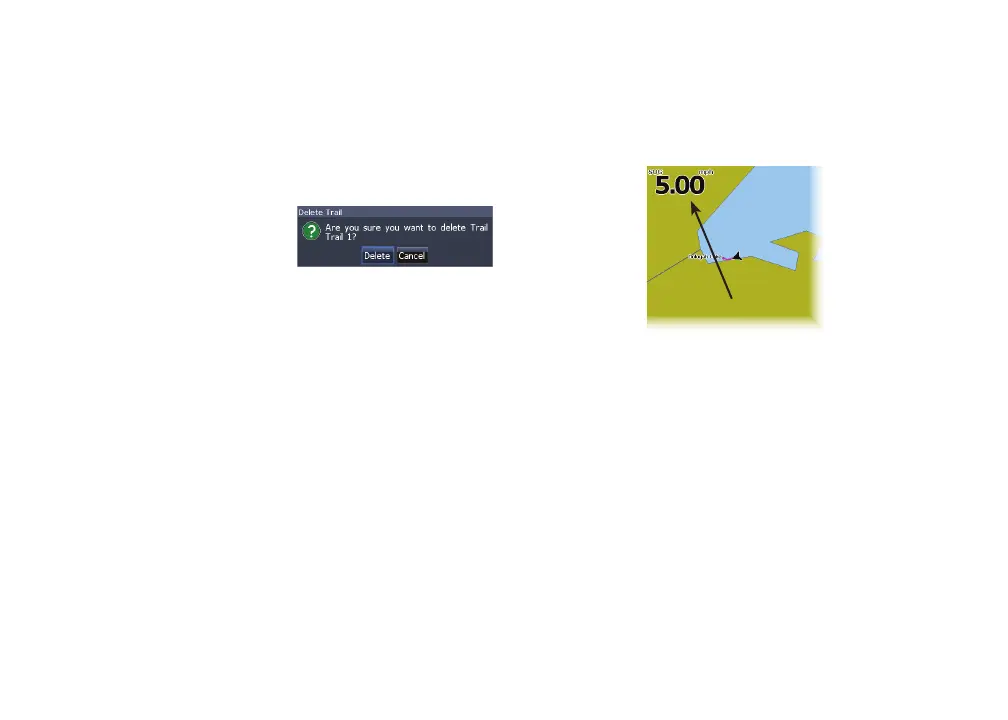
Delete and Delete All
Delete is used to remove
individual trails. Delete
All removes all trails.
Orientation
Allows you to select North Up or Course Over
Ground (COG) as the map orientation.
Overlay data
Allows you to select data (course over ground, etc)
to be displayed on top of the Chart page.
Overlay data setup is covered in the Pages section.
Settings
Accesses the Chart settings menu.
Overlay data










 To Next Page