23
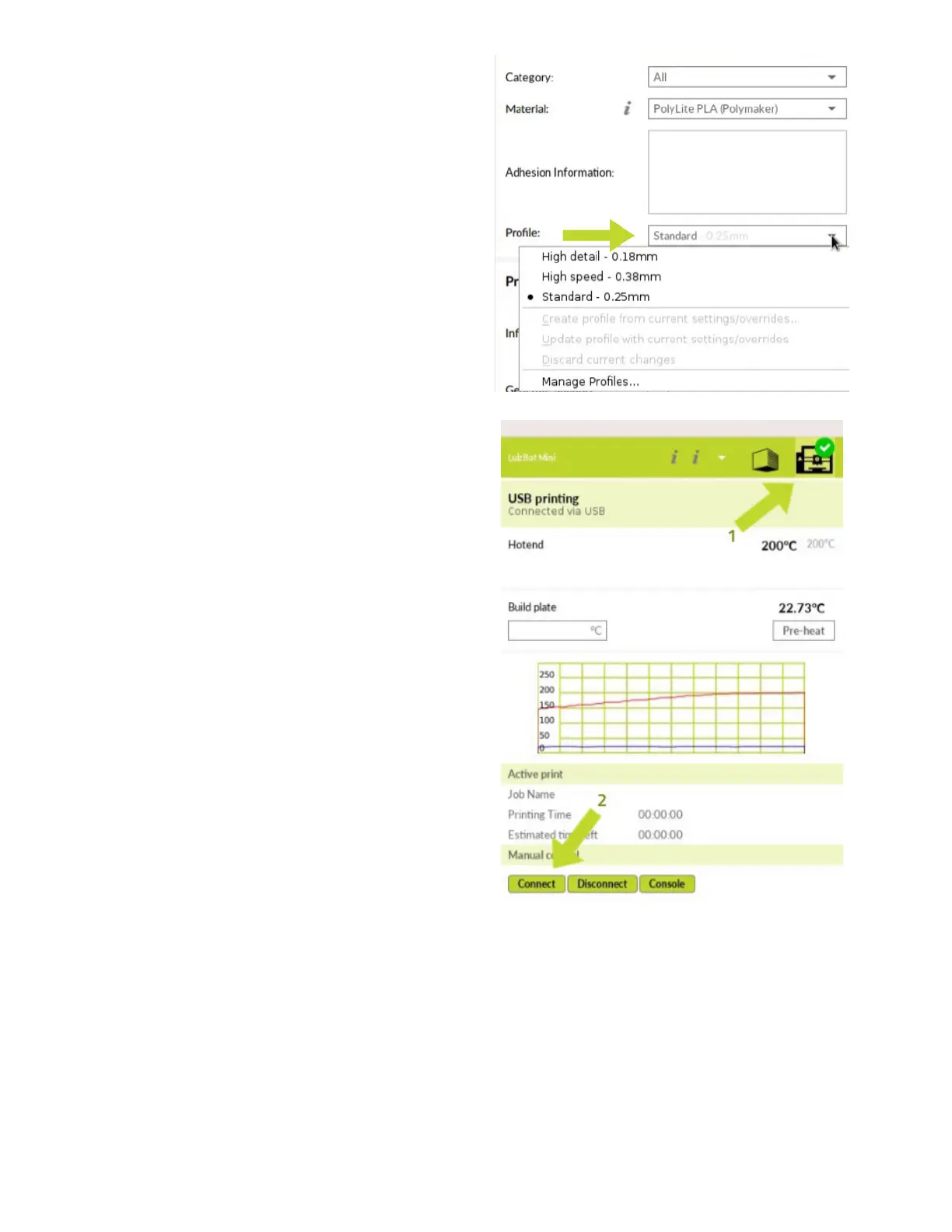
Once the material has been selected,
under profile, select “Standard.”
In the top-right corner of the screen,
click the “Print Monitor” (1) button to
open the printer control menu. Next,
click “Connect”(2) to establish a
connection between your computer
and printer.



 To Next Page