EasyManua.ls Logo

Lumens VC-A61P - Setting Menu Navigation and Options

Lumens VC-A61P
52 pages
Print Icon
To Next Page IconTo Next Page
To Previous Page IconTo Previous Page
Loading...
English - 21
5.2 Setting Menu
<Remark> Press [Menu] on the remote control to enter the setting menu; the bold
underlined values in the following table are defaults.
1st Level
Major Items
2nd Level
Minor Items
3rd Level
Adjustment Values
Function Descriptions
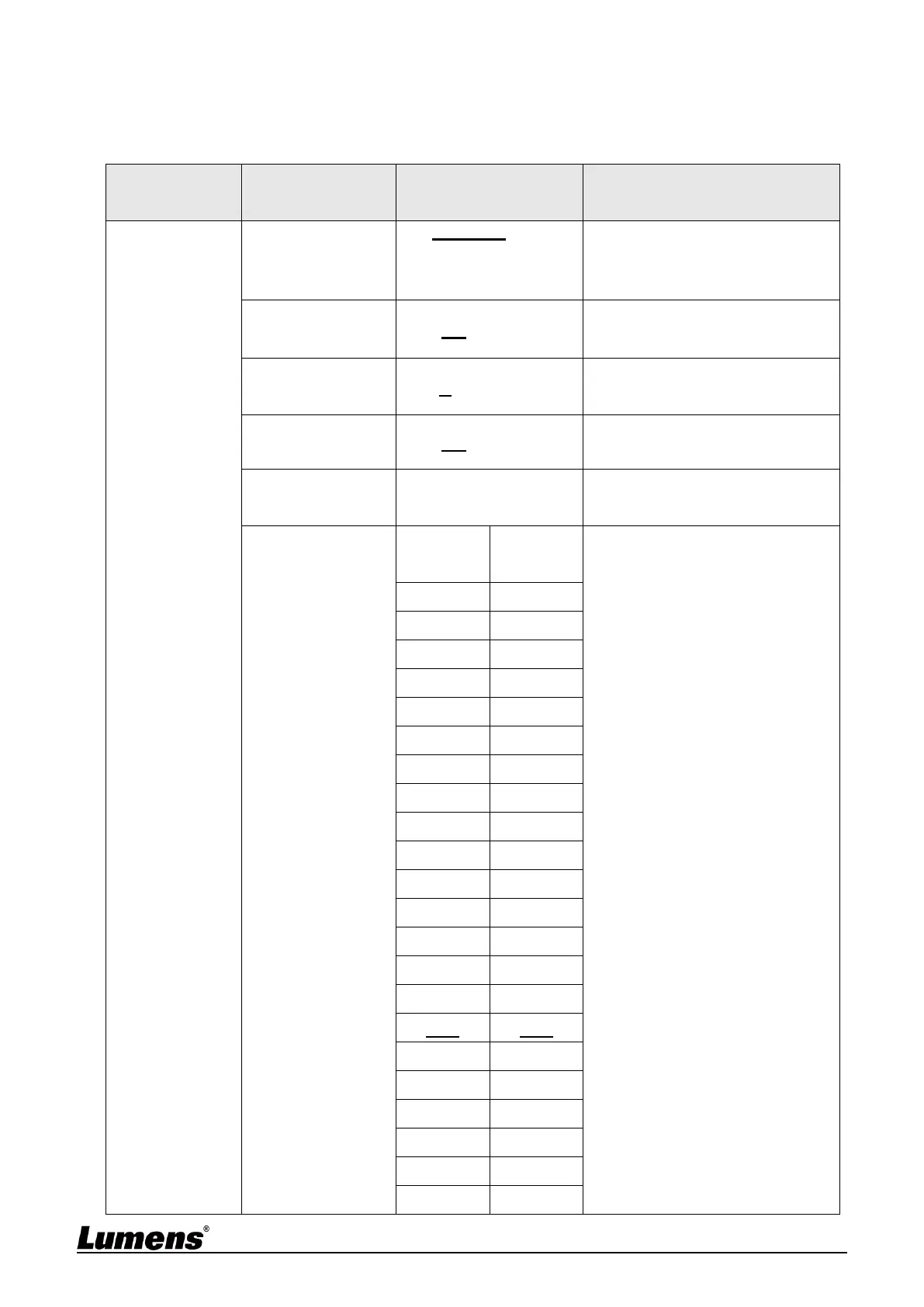
Exposure
Mode
1. Full Auto
2. Shutter Pri
3. Iris Pri
4. Manual
Exposure mode setting
Exposure Comp.
On / Off
AE Level
Exposure Comp.
Level
-5 ~ C ~ 5
The value can be adjusted after
Exposure Comp. is activated
Spot Light
On / Off
Spot Light
Position
X (0 ~ 6) Y (0 ~ 4)
The value can be adjusted after
Spot Light is activated
Shutter Pri
60/30
mode
50/25
mode
Adjustable when the Exposure
mode is set to Shutter Pri
1/10000
1/10000
1/5000
1/5000
1/3000
1/3000
1/2500
1/2500
1/2000
1/1750
1/1500
1/1250
1/1000
1/1000
1/725
1/600
1/500
1/425
1/350
1/300
1/250
1/215
1/180
1/150
1/120
1/120
1/100
1/100
1/90
1/75
1/60
1/50
1/30
1/25
1/15
1/12
1/8
1/6
1/4
1/3
1/2
1/2
1/1
1/1

Other manuals for Lumens VC-A61P

Related product manuals