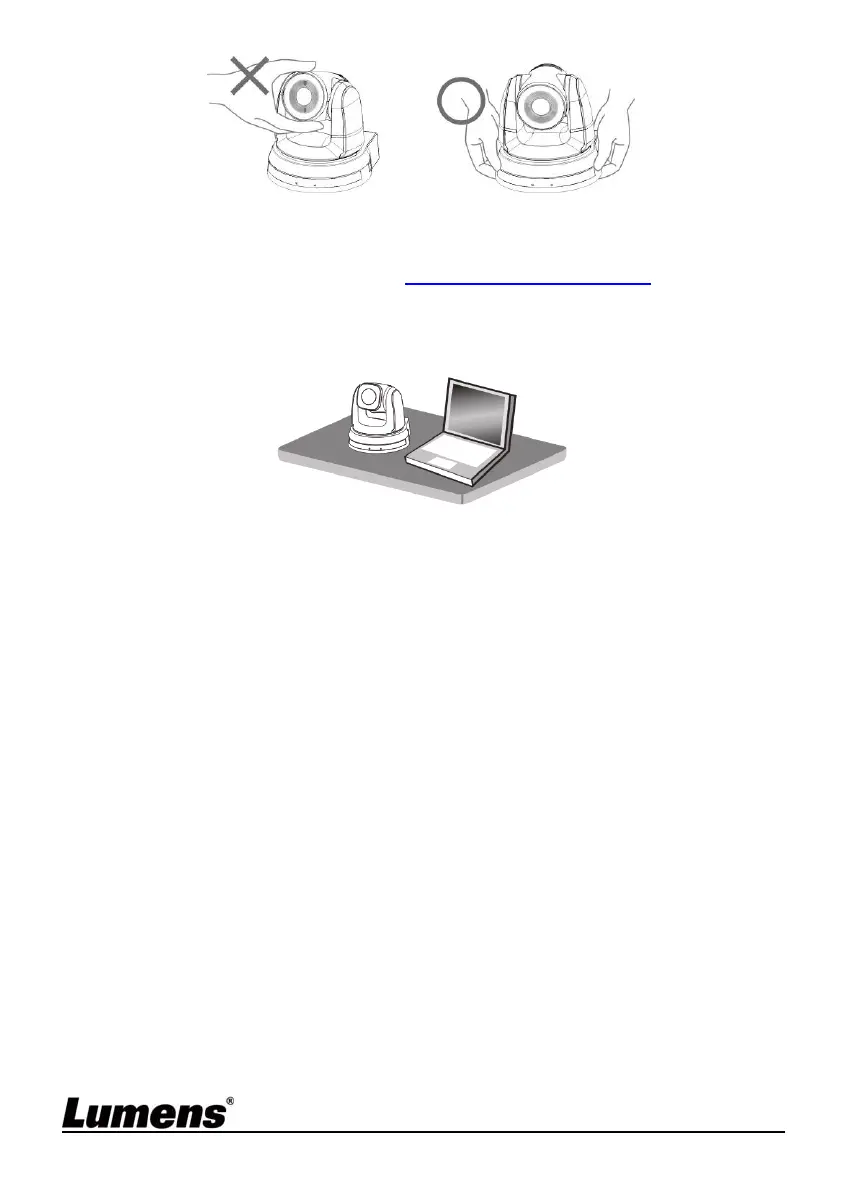
English - 10
4.2.1.2 Installation steps
1. Please adjust DIP switch at first prior to installation
<Remark> Please refer to Chapter 7 DIP Switch Setting for the relevant
descriptions on DIP switch.
2. Place the camera on a flat desk directly to ensure the normal vertical
and horizontal operation of the machine
4.2.2 I would like to install VC-A70H on the ceiling
4.2.2.1 Prepare for the parts and equipment required during the
installation
1. Accessories of VC-A70H in the box (metal plates A,B, M3 screw silver x
8, black x 2)
2. Screw for locking on ceiling mounted hanger x 4
3. Drilling machine, screw driver, ladder



 To Next Page
 Loading...