Installation Steps
2
3
Page 3 of 7
4
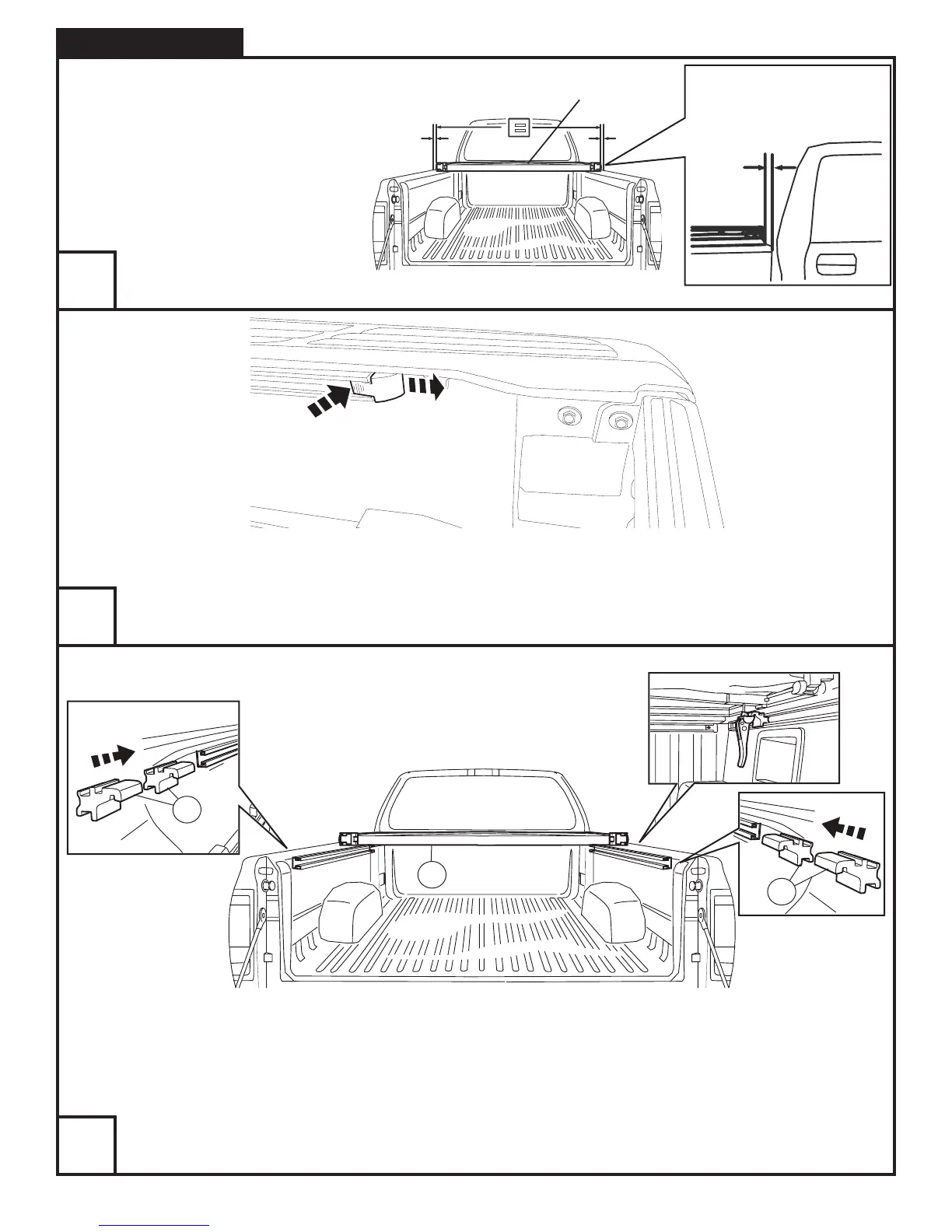
NOTE: Actual application may vary slightly from illustrations.
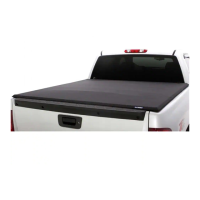
Line up to front of bed first. Center the cover assembly on the truck.
Position the cover assembly so the gaps on all sides are equal.
Approx 1/4” at both corners
Remove plastic caps from the ends of the channels on both sides of the vehicle. Push tab in while sliding out.
A
C
C
Insert 2 adaptors (Item C) into each bed sidewall track. Slide one adaptor in each track forward until they are centered with
both front cover clamps (Item A). Re-install caps removed in Step 3.


 To Next Page