49
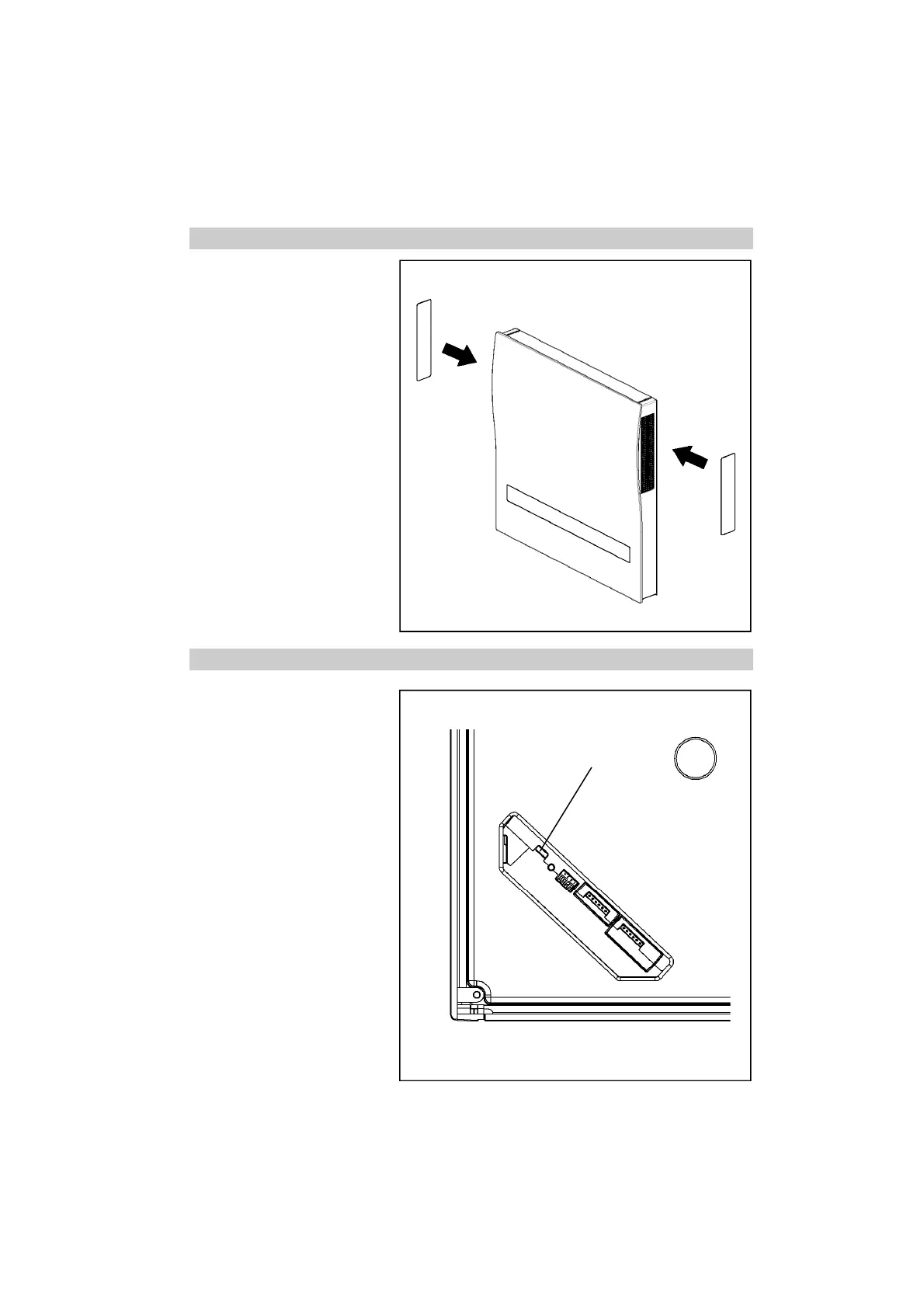
Locking of the inside screen EN
In case of electrical flap close-off
not being present, the inside
screen can be closed off with the
magnetic fasteners if necessary:
Switch off ventilation device and,
with the red side facing out, place
fasteners from externally in front
of the ventilation grating.
USB connection
The USB connection can be
used for communication with a
PC and the possibility of pro-
gram updates exists for your
Ne
xx
t.
Connect Ne
xx
t and PC with a
USB cable. For updating the
firmware, download the update
file (www.lunos.de). The direc-
tions for the implementation of
the update are enclosed with
every update file.
USB connection


 To Next Page