5
LUVION Premium Baby products
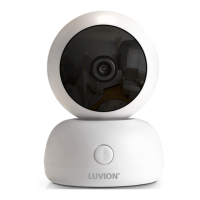
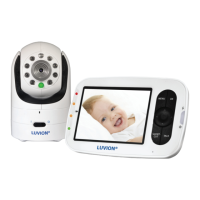
OVERVIEW OF BABY UNIT CAMERA
1. Light sensor - Allows the baby unit to correct itself under changing light conditions.
2. Camera lens - Detects the visual environment and sends this to the parent unit.
3. Power indicator LED - indicates whether the baby unit is switched on.
4. Microphone - Detects sound and sends this to the parent unit.
5. Infrared LED - Allows for 5m distance of night vision, automatically activates within low light conditions.
6. Power connector - Input for the Luvion power adapter.
7. Temperature sensor - The measured ambient temperature is displayed on the screen of the parent unit.
8. Pairing button - Establishes a new connection between the baby and parent unit during the pairing
process. Pairing should be used when installing an additional camera or when the monitor does not
recognize the baby unit. Consult page 12 for more information on the pairing process.
9. Loudspeaker - Enables the ability to talk to your child over distance.













 To Next Page