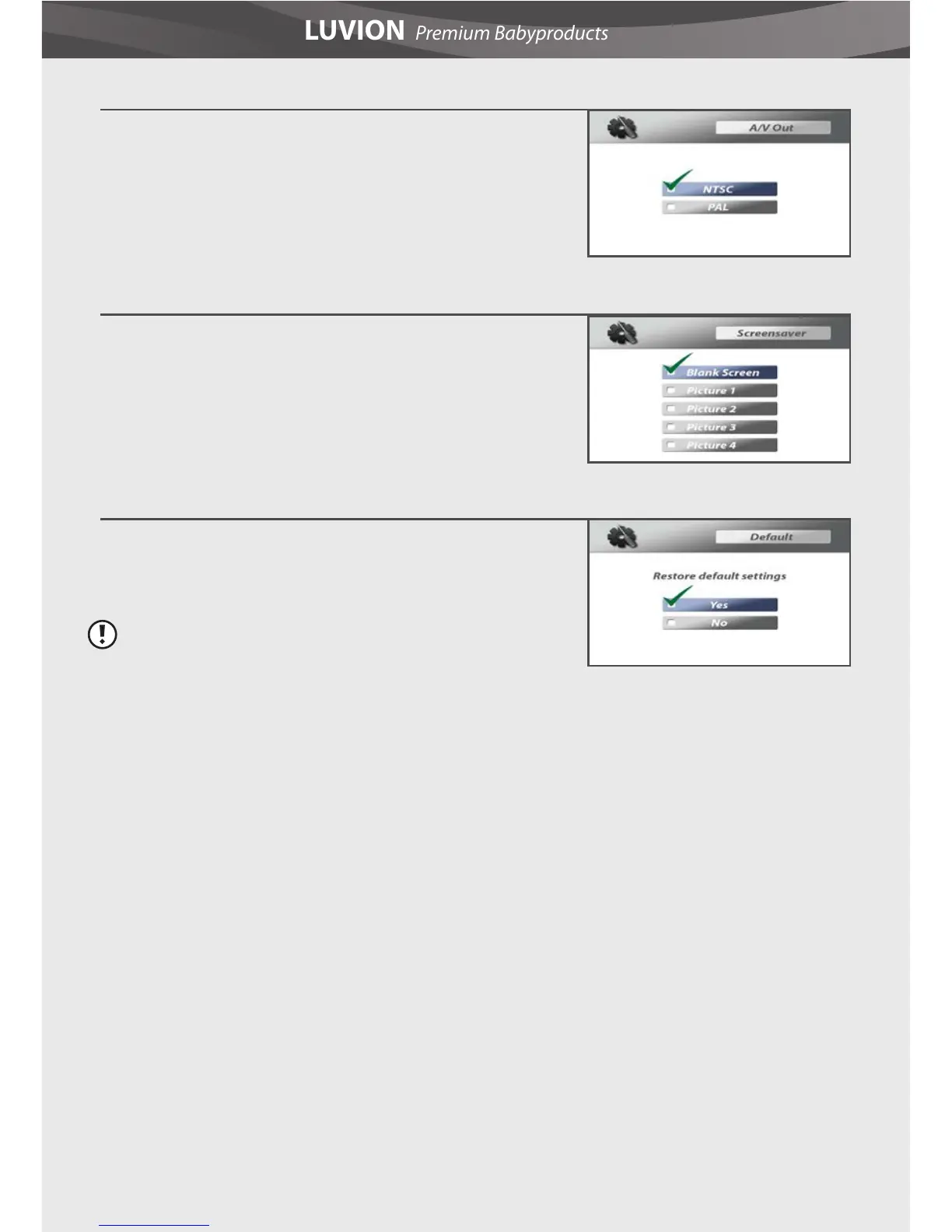
3. A/V Out
This menu lets you choose the TV system for AV Out. You can
choose between NTSC or PAL.
4. Screensaver
Four images are stored in the system. You can select one to
display it on the screen of the parent unit in SCAN mode. Or
you can select Blank screen to make the screen black in SCAN
mode.
5. Default
Select Yes to reset the parent unit to factory default settings.
All menu settings will then be reset.
Note: Pairing settings will not be aected by a reset. Baby
unit(s) will remain paired with the parent unit.















 To Next Page